

Pricing configuration
To understand how the different pricing models work, see the pricing models glossary. As with any other product, you can override metered prices on a per-customer basis directly in the product dropdown.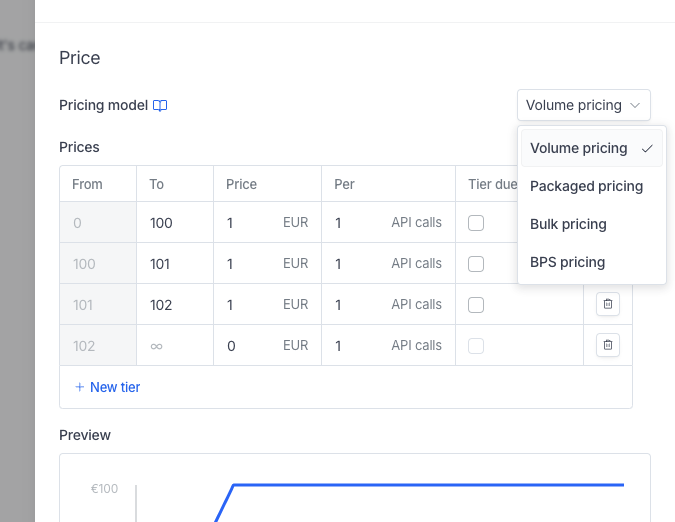
Min, max and committed amounts
You can add safety thresholds to your subscription to ensure your customer won’t pay below or above a certain price. Minimum and maximum amounts apply to prices. Hyperline shows the correct usage and the capped or floored price on both the invoice and the interface. Committed units are another way to set up a minimum committed amount. If the actual usage is under the threshold value, Hyperline shows the minimum committed usage instead.Metering periods
You can configure metering options when assigning a subscription manually or in a plan if you need to reuse the product. Metering is only available for dynamic products. The configuration appears below the price preview within the product dropdown.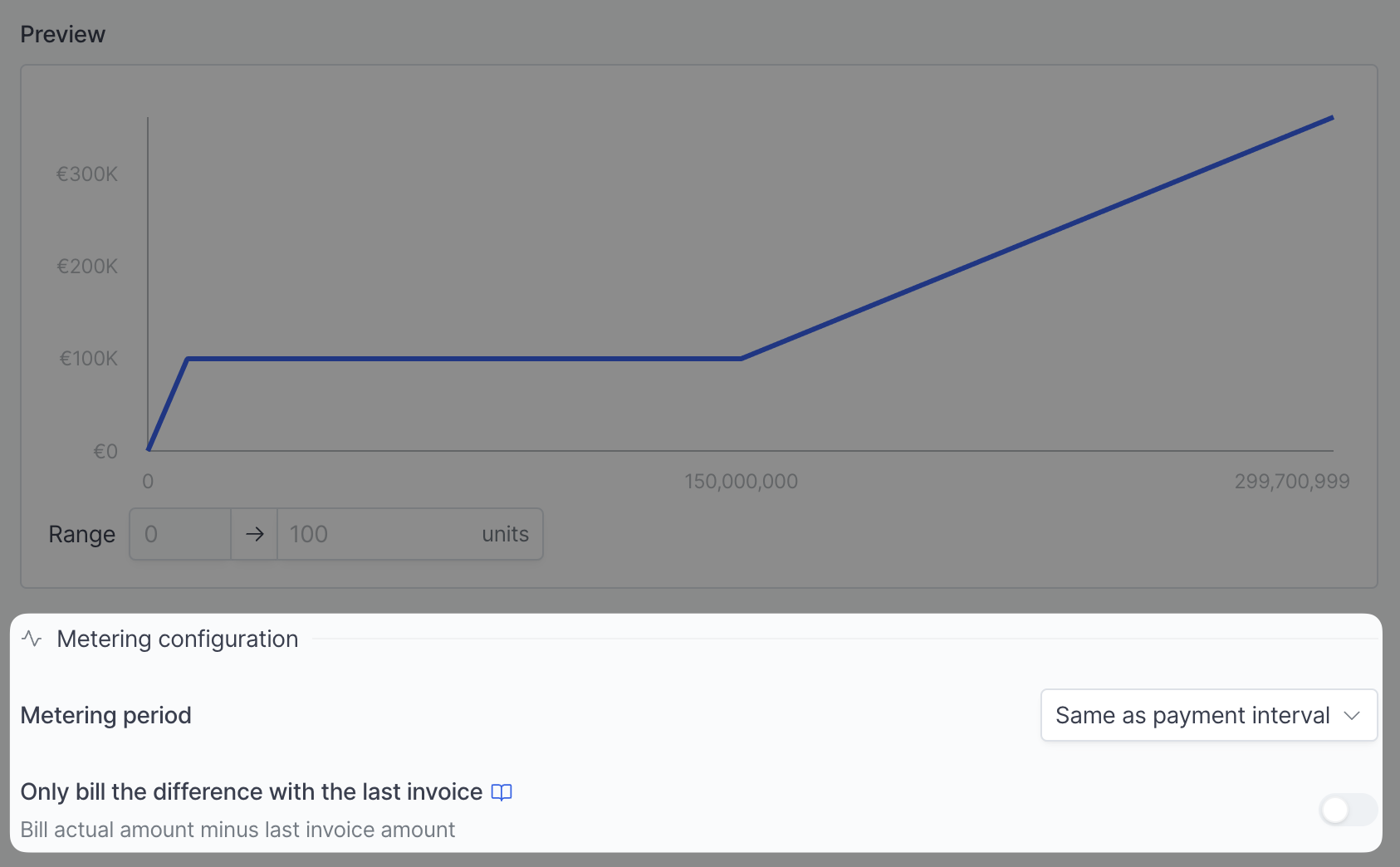
Option 1: Same as payment interval
This option selects all billable events for which thetimestamp value is within the current subscription period of the product. This is the most common and straightforward option for most use cases, like billing overheads for a given subscription period or standard usage-based pricing.
For example, take a product billed every month with a metering period set to Same as payment interval. If the current subscription period is Sept 1st - Oct 1st, Hyperline takes into account all events with a timestamp between these dates.
Option 2: Current contract period
This option selects all billable events for which thetimestamp value is within the current subscription committed period. This is useful when you bill usage past a certain annual threshold. For instance, your customer is allowed 10M€ of spend every year, with additional usage billed monthly.
For example, on a subscription committed yearly from Jan 2023 to Jan 2024, Hyperline takes into account all events within that timeframe.
Option 3: Current phase
This option selects all billable events for which thetimestamp value is within the subscription’s current phase. A phase is a bounded section of a subscription with its own start and end date. The metering window automatically follows the phase you’re on and resets when the next one starts.
Use it when a product’s pricing is scoped to a specific phase of a deal. For example, a ramp-up phase that meters usage for its full duration independently of the payment interval or the overall contract period. The subscription overview shows the metered period as the phase’s date range.
Option 4: Whole database
This option configures Hyperline to ignore the timestamps of your events and include all of them in each invoice. For instance, use it to automate seat-based billing based on real-time data.Only bill the difference with the last invoice
This option tells Hyperline to only bill the difference between usage for your current period and your previous period. It’s only available for the last 3 options. It’s particularly helpful when you’re billing overages. For instance, coming back to the 10M€ example, you may want to bill the additional revenue every month. In that case, you don’t want to re-bill previously billed revenue. When you select this option, Hyperline takes into account the total usage billed the last month and subtracts it from the current period usage.Include child customers’ usage
When a customer has child customers through organisation-based billing, a usage-based product can bill the parent subscription on usage from the parent and its direct children. Use this when the parent owns the contract, but several child customers send usage events. Each child keeps its own customer record and usage history, while the subscription on the parent calculates one metered charge.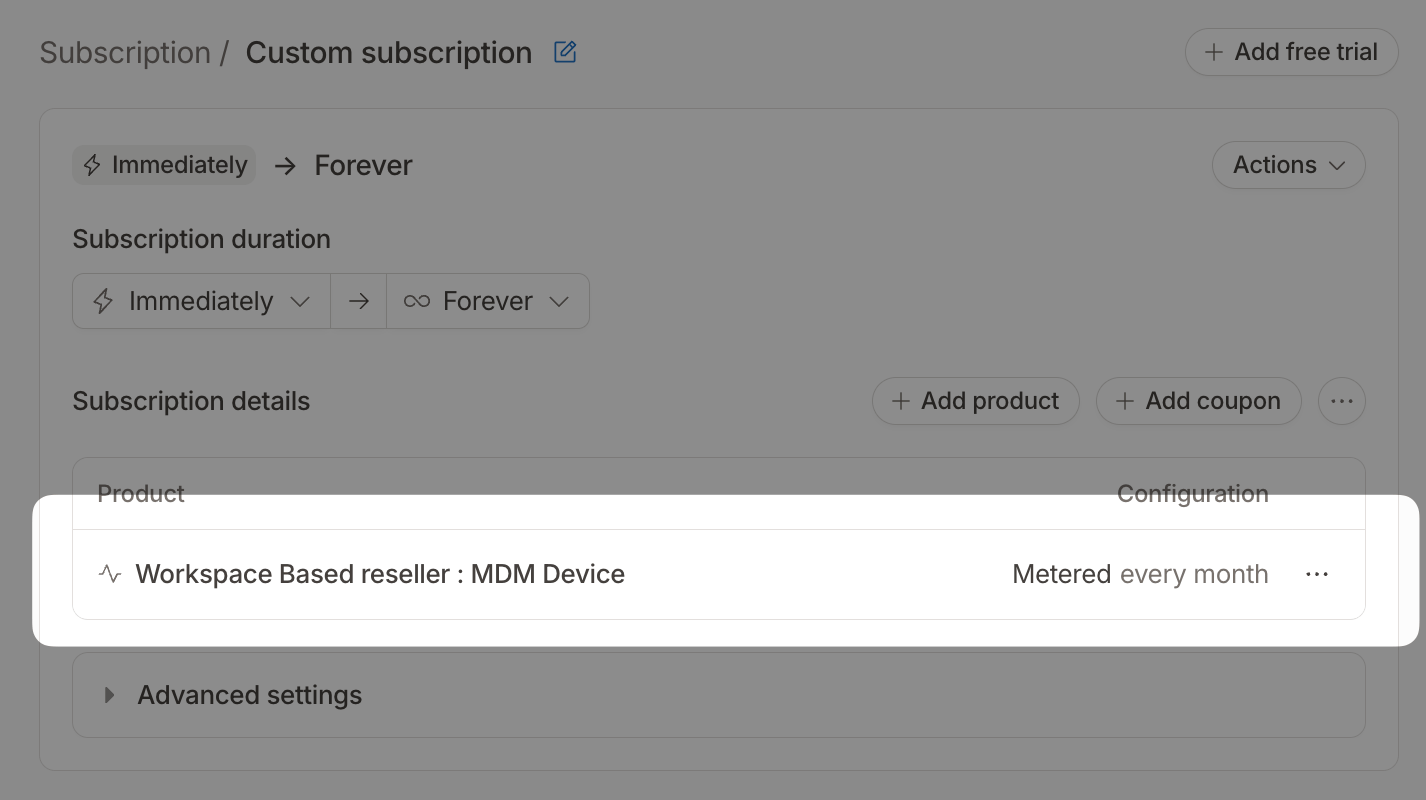
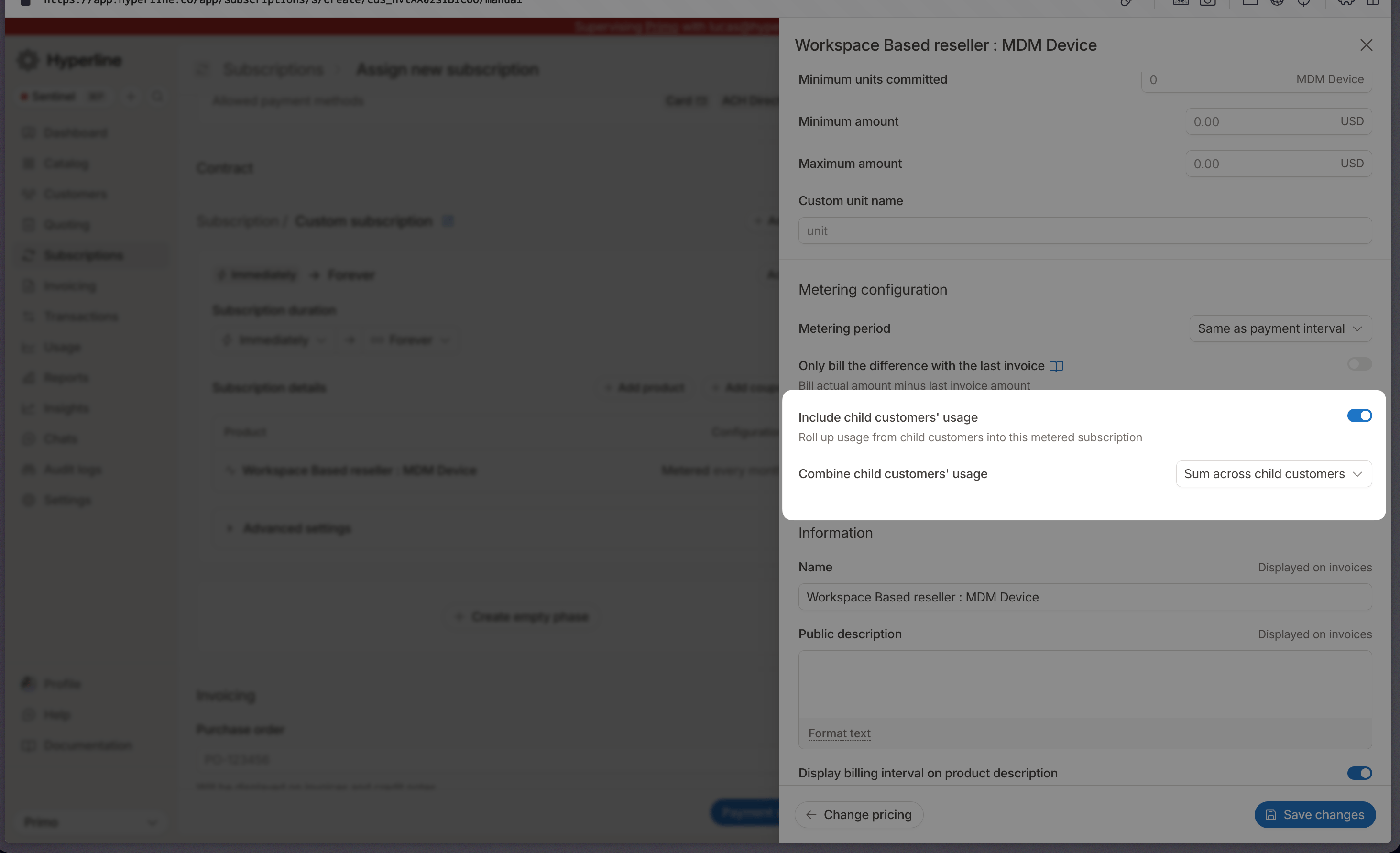
- Sum across child customers adds the parent usage and each direct child’s usage together.
- Max across child customers bills only the highest-consuming customer among the parent and its direct children.
Child usage roll-up applies to direct child customers only. You configure it per usage-based product on the subscription, so you can roll up usage for one metered product while keeping another product billed only on the parent’s own usage.