

Closing and reopening months requires the Close and reopen accounting months permission. See Permissions.
Close months
- Go to Accounting > Settings.
- In the Configuration section, open the actions menu (⋯) and click Close months.
- Select the Month and the Year to close through. Both default to last month.
- Click Close months.
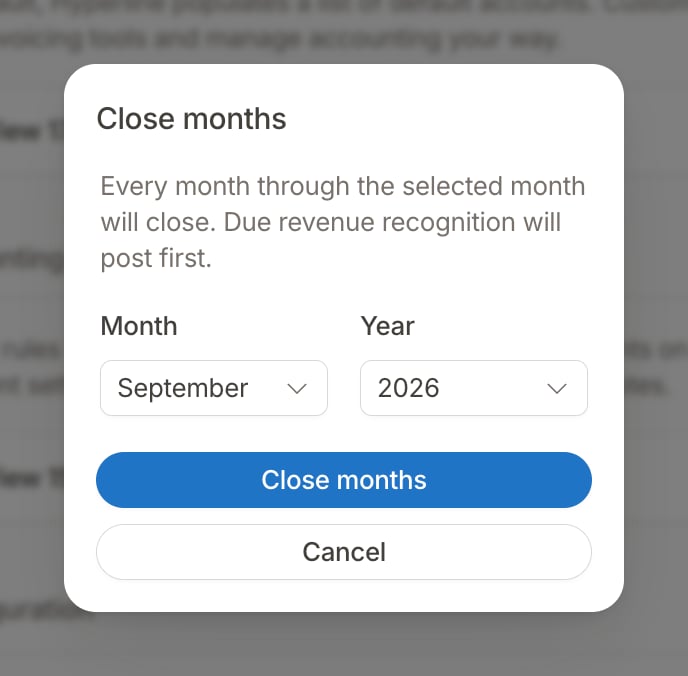
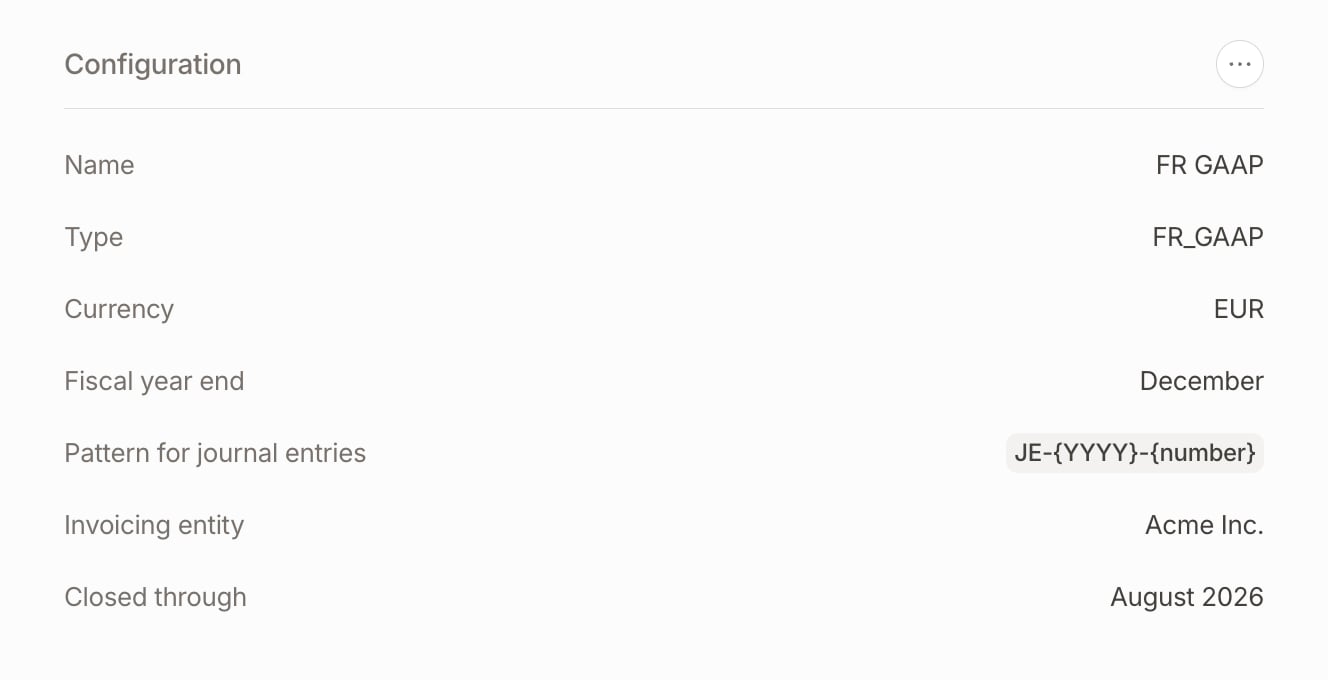
- You can close several months at once. On a ledger with history, your first close can be any past month.
- You can only close a month that has ended, so the latest month you can close is last month.
- Before closing, Hyperline posts the revenue recognition due up to the end of the selected month, so it lands in its own month.
Months follow the timezone of the ledger’s invoicing entity, like the financial reports. If you change that timezone, entries posted near midnight can move to another day or month, closed months included.
Reopen months
Reopen months when a closed month needs a correction, for example a manual entry dated in that month.- Go to Accounting > Settings.
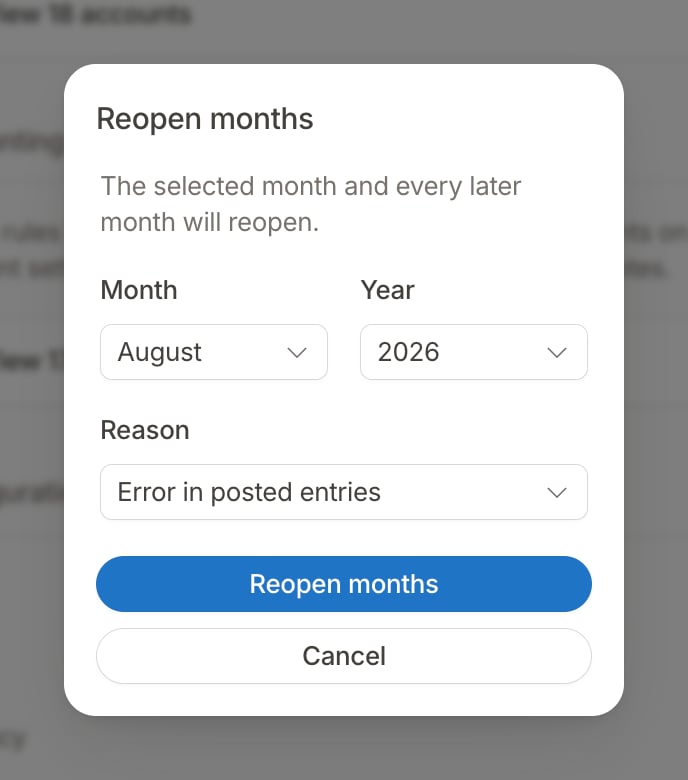
- In the Configuration section, open the actions menu (⋯) and click Reopen months.
- Select the Month and the Year to reopen from. Both default to the last closed month.
- Select a Reason: Error in posted entries, Month closed by mistake, Late or missing transaction, Audit adjustment, or Other to describe it yourself.
- Click Reopen months.
Example 💡
Your ledger is closed through September. You reopen from July to fix an entry: July, August, and September reopen, and the ledger is now closed through June. Once you have posted the fix, close through September again.
What a closed month means
Late entries
An automatic entry dated in a closed month still posts, so nothing is missing from your books. It posts on the first day of the first open month, and its description ends with a note giving its original date. An invoice issued with a past date in a closed month follows the same rule.Example 💡
September is closed. On October 2, you record a bank transfer received on September 29. Its entry posts on October 1, and its description gives September 29 as the original date.
Manual entries
In the app, the entry date picker doesn’t offer days in a closed month. Through the API, Hyperline refuses a manual entry dated in a closed month, and the error gives the first date you can use. To post an entry in a closed month, reopen the month first.Yearly close
There is no separate action to close a fiscal year. Closing the months through the ledger’s fiscal year end freezes the year. Hyperline posts no closing entry. Instead, the balance sheet and the general ledger exports compute the result of past fiscal years as a Prior years result line, apart from the Current year result. See Prior years result. The fiscal year end is set when you create the ledger, December by default, and can’t be changed afterwards. The reports apply it to the ledger’s whole history, so a change would move amounts between the prior years result and the current year result in months already reported. A late entry for a closed fiscal year posts in the new year, like any late entry. To book it in the closed year, reopen its months and post a manual correction.Example 💡
Your fiscal year ends in December. In January 2027, you close through December 2026. On any balance sheet dated in 2027, the 2026 result is part of the prior years result, and no entry can change it while December stays closed.
Close history and API
The app shows the last closed month. Hyperline also records every close and reopen: who did it, when, which months it covered, and the reason. You can read this history through the API.
Ledgers also return
closed_through_date, the last day of the last closed month.
Closing and reopening through the API requires an API key with write access. A user token also needs the Close and reopen accounting months permission. The close is never automatic, but you can automate it on your side through the API, for example a few days after each month end.
Is something still unclear? Don’t hesitate to reach out to our team via the
in-app chat if you need additional support.