

Top up a wallet
You can add funds to a customer’s wallet in several ways:- Initiate a prepayment from the customer’s default automatic payment method
- Record an offline payment received outside Hyperline
- Add free funds
- Let customers top up independently from the customer portal
- Top up through the API
Initiate a prepayment
Use Initiate prepayment when the customer has a default automatic payment method, such as card or direct debit. Hyperline charges that payment method and adds the settled funds to the wallet. The payment transaction and wallet movement provide the audit trail. Hyperline does not create an invoice, receipt, or payment advance document for the top-up.Record an offline payment
Use Add offline payment when the customer has already paid outside Hyperline and you want to make those funds available in their wallet. Hyperline does not create a technical invoice, receipt, or payment advance document. You can select one of two sources:- Use existing transaction: select a compatible transaction that still has an unallocated amount. Hyperline adds its complete remaining amount to the wallet.
- Record transaction: record a new payment received by bank transfer or another external payment method, then add it to the wallet.
Offline payments only support Bank transfer and External payment method. A stored card or direct debit method requires a real provider charge and cannot be used to record an offline payment.
Example 💡
A customer sends a €300 bank transfer. You allocate €100 directly to an invoice, then add the remaining €200 to their wallet for future invoices.
Free top-ups
Use Add free funds when you want to credit a wallet without collecting payment. Hyperline adds the funds to the wallet and creates a credit note for accounting purposes. You can create the credit note immediately or keep it as a draft first.You must enable free wallet loads in wallet settings before you can add free funds.
API top-ups
You can also top up wallets through the API. Use the API when you want your own product, backend workflows, or internal tooling to trigger wallet loads.From the customer portal
You can let your customers top up independently through their portal.1
Make sure you enabled the option
For this, you have to go to the wallet settings first.
Top-up limitationsIt is currently not possible to add more than $100 in one payment to a wallet. The total balance of a wallet also can’t be more than $500 for payments made through a customer portal.Paid top-ups added through Hyperline have no limitations.
2
Your customers are now able to top up from their portal
They must add a credit card as a payment method to do so.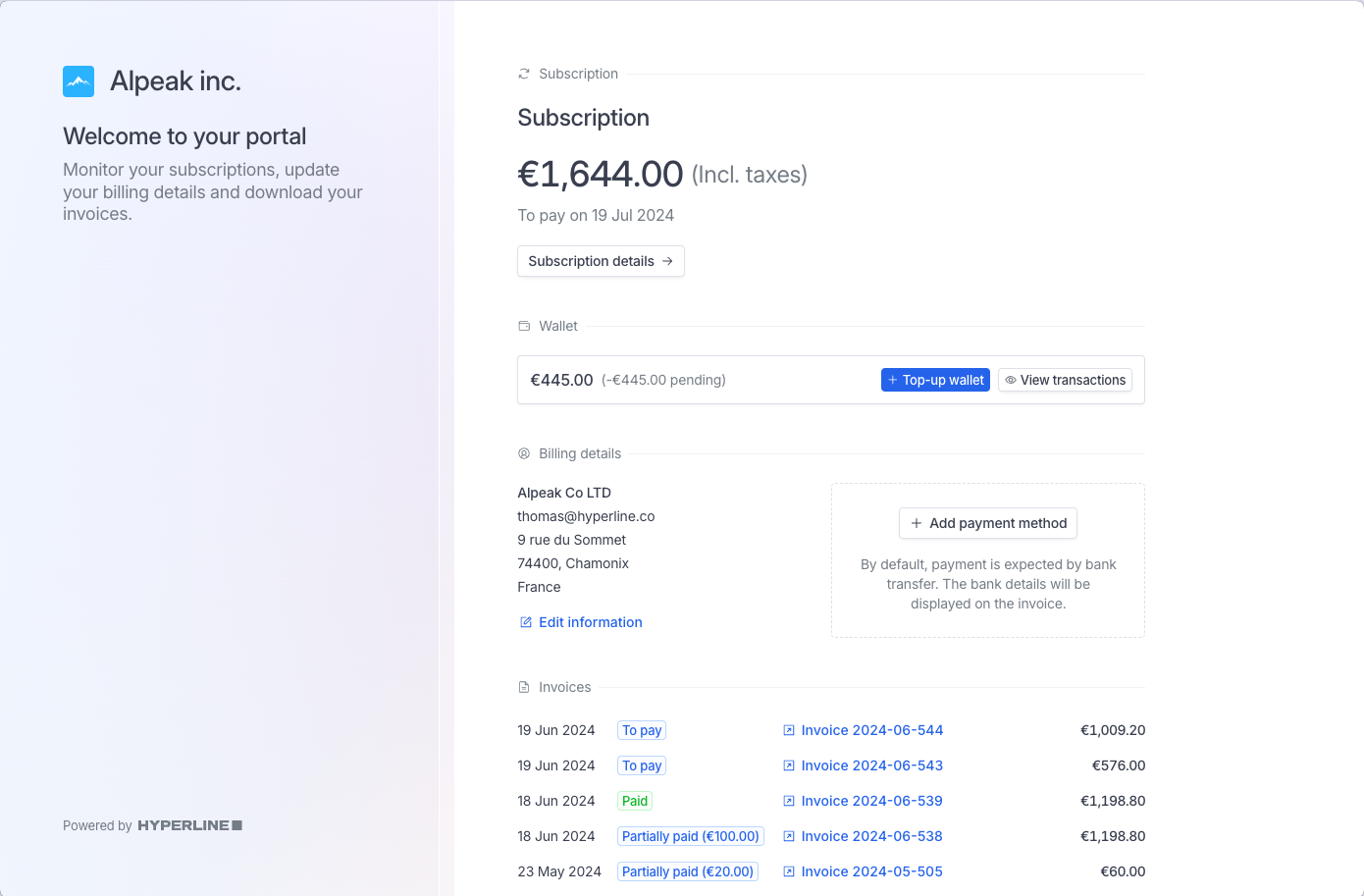
3
Your customers choose how much they want to add to their wallet
Clicking Top-up on this screen will trigger an immediate payment from the registered credit card and credit the wallet instantly.
4
The wallet balance is updated
The payment transaction and wallet movement remain available for tracking. No invoice or receipt is created for the top-up.
Wallet debit
Customer wallets are automatically debited when the feature is enabled in the wallet settings and the wallet has a positive balance. Wallet funds are used to pay subscriptions, related invoices, and one-time payments. A wallet cannot have a negative balance. Hyperline automatically deducts the maximum possible amount from the wallet when paying invoices. Any remaining amount is charged to the customer’s default payment method. You can also pay a specific invoice from the customer’s wallet manually. Open the invoice, select Actions > Add payment, then select Use wallet balance. Enter the amount to apply, up to the lower of the invoice amount due and the current wallet balance. An invoice can combine multiple payment sources (e.g. wallet + credit card), and this breakdown is displayed on the generated PDF invoice. Hyperline also records which wallet credits funded each consumption. It uses the oldest available funds first, so one invoice payment can consume the end of one top-up and part of the next. See Understand payment allocations for an example and the relationship with payment allocations.Reverse a wallet payment
Use Reverse wallet payment from an invoice when a wallet consumption should no longer pay that invoice. Hyperline cancels the wallet debit, returns the amount to the wallet balance, and recalculates the invoice. This is not the same as unallocating a standard transaction. Unallocating makes the amount available again on that transaction. Reversing a wallet payment makes the amount available again in the wallet because the wallet debit itself is cancelled.Revert a wallet top-up
You can revert wallet top-up transactions to remove funds that were previously added to a customer’s wallet.Only top-up transactions (credit transactions) can be reverted. Debit transactions (consumption) cannot be reverted.
How it works
When you revert a wallet transaction:- The credited amount is deducted from the current wallet balance
- If the transaction was a free top-up, the related credit note is voided
- If the transaction was a paid top-up, the amount is deducted from the wallet balance. If you need to refund the initial banking transaction, you must do so outside of Hyperline
Requirements
A transaction can only be reverted if:- It is a top-up transaction (not a debit/consumption transaction)
- It has not already been reverted
- The wallet has sufficient balance to cover the reversal amount