Payment service provider (PSP)
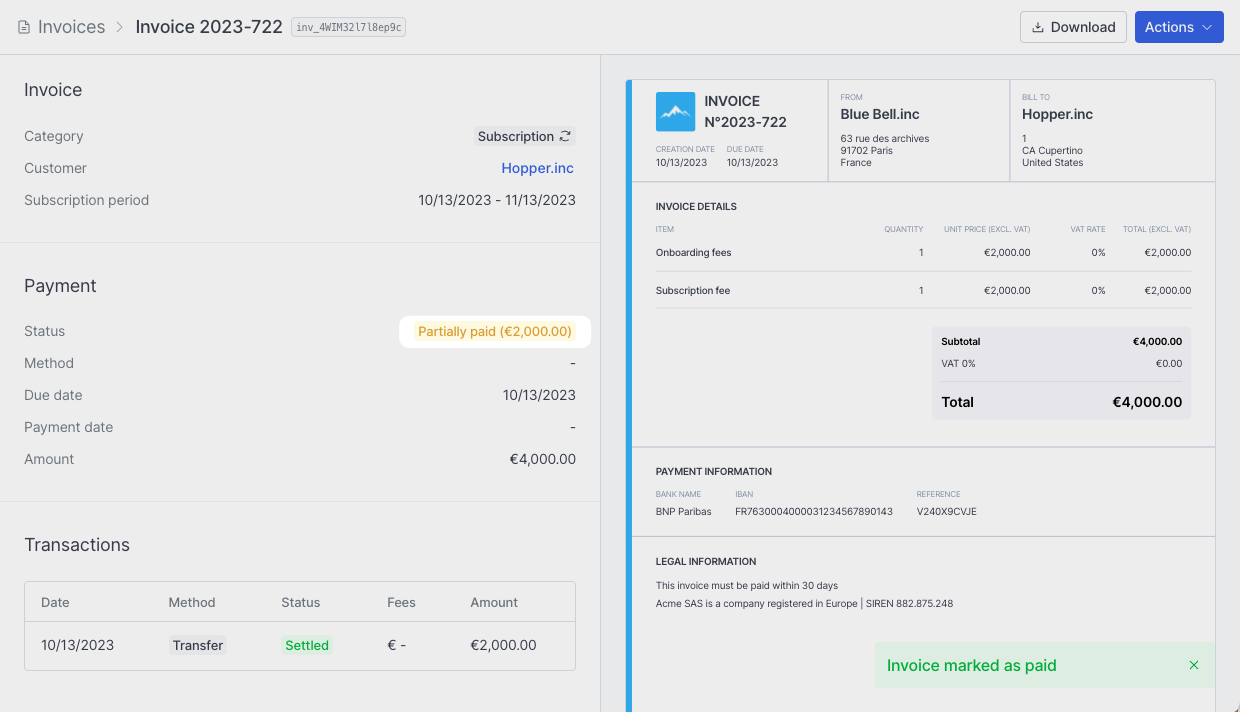
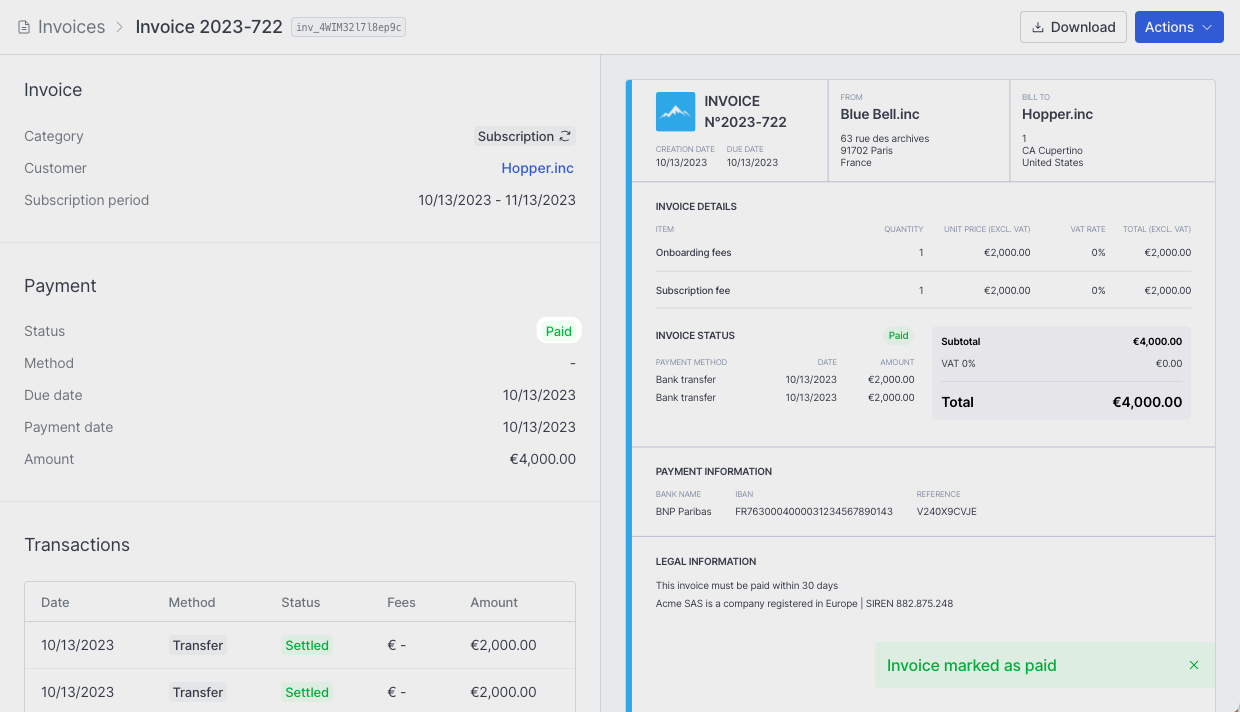
If you use a Payment Service Provider (PSP) with automated payment methods like cards or direct debit, invoices will automatically reconcile without manual intervention. As Hyperline orchestrates the payment initiation, it tracks payment status (money movement, chargebacks, etc.) in real-time and updates the invoice accordingly.Connected bank account
Hyperline supports a wide range of bank connections in France, the UK, Germany, Belgium, Spain, and the US, enabling you to link your business bank account with a single click. Once connected, you can add your bank account details to invoices, and Hyperline will automatically suggest matching transactions for each invoice, facilitating easy reconciliation.1
Navigate to Settings > Payment page
Click Connect bank account.
2
Link your bank
Click Link new bank and complete the authentication process.
3
Connect your bank account
Once linked, select the bank account you want to connect to Hyperline.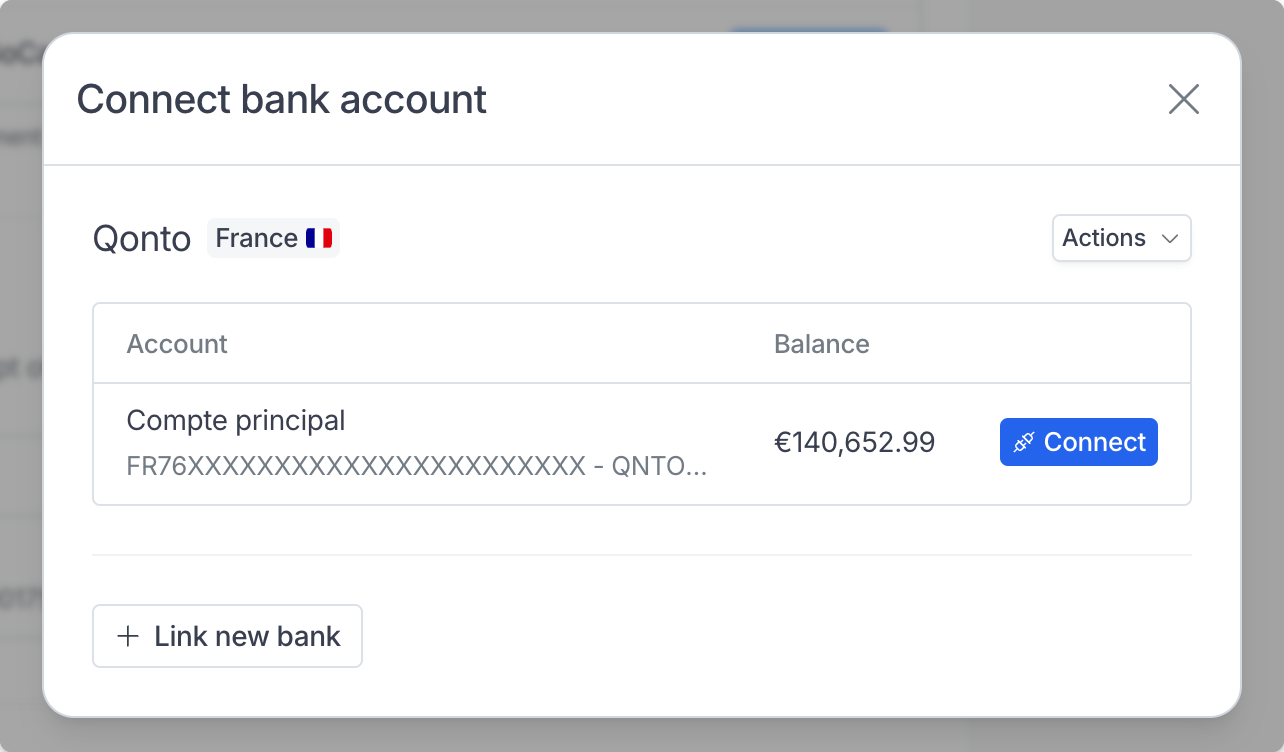
4
Reconcile
Hyperline will automatically match transactions or suggest one from your bank account for each unpaid invoice based on matching details.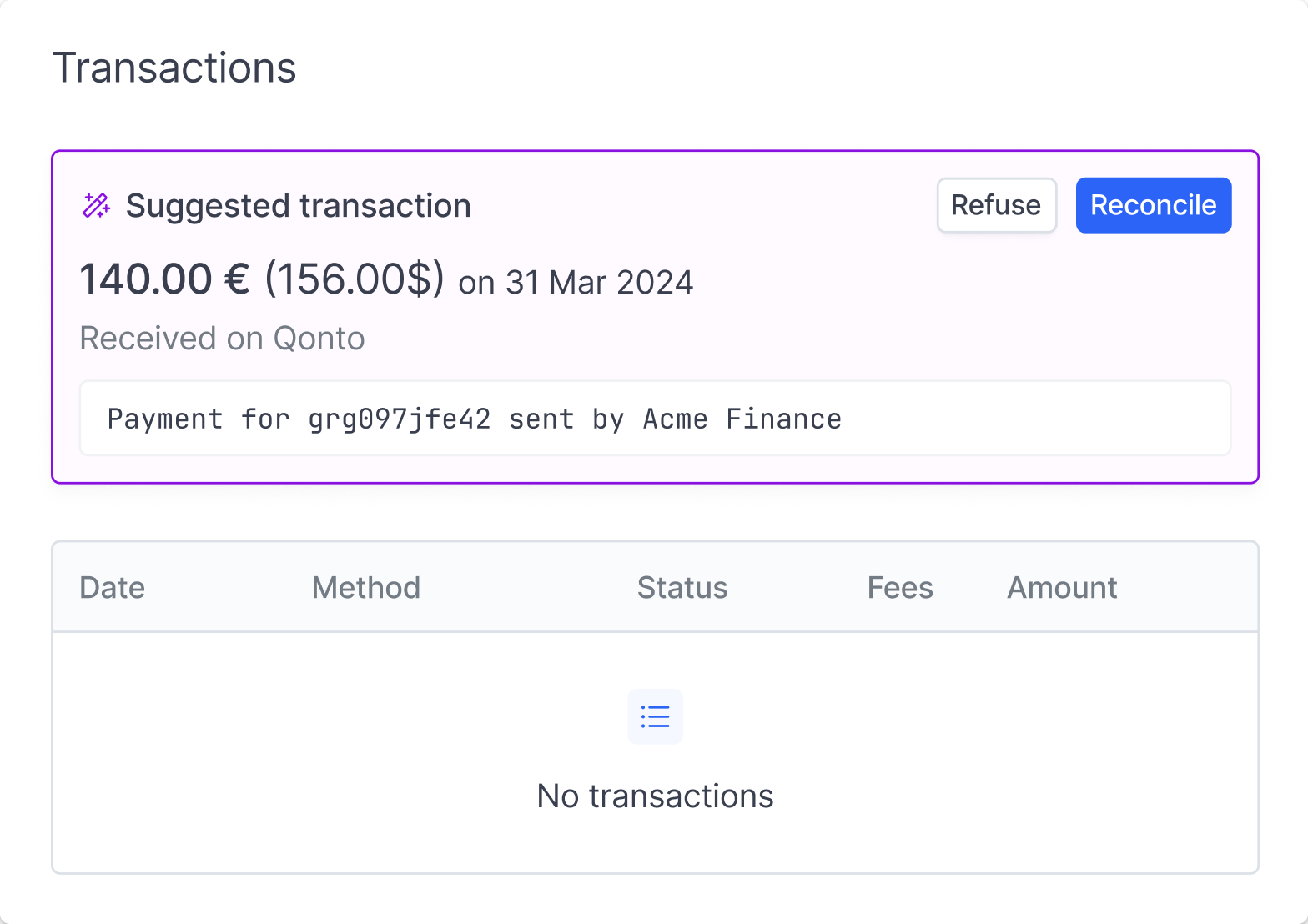
Reconciliation logic
Reconciliation targets invoices with statusto_pay or partially_paid, and is restricted to payment methods transfer or external (or no payment method set).
Hyperline automatically matches incoming bank transactions to outstanding invoices using a confidence-based scoring system. Each transaction is scored against unpaid invoices, and only matches above a minimum confidence threshold are suggested, ranked from most to least likely.
Matching signals (from strongest to weakest):
- Payment reference: if the transaction description contains the invoice’s payment reference, it’s an automatic match.
- Alphanumeric invoice number: invoice numbers containing both letters and digits (e.g. INV-2024-042) found in the transaction description are also treated as certain matches.
- Known payer account + exact amount: when the paying bank account is already linked to the customer and the amount/currency match, confidence is very high.
- Invoice number, customer name, amount: these signals are scored individually and combined. An invoice number appearing as a distinct word carries more weight than a partial match. Customer name and exact amount each contribute additional confidence.
Hyperline fetches transactions daily, so a transaction arriving in the bank account on one day is suggested for reconciliation the following day.
Viewing invoice status in transactions
When viewing your bank transactions, Hyperline displays invoice status indicators next to reconciled or suggested invoices. These visual indicators help you quickly identify the payment status of each invoice. This makes it easier to understand the current state of each invoice directly from the transactions view without needing to navigate to the invoice detail page.Automated customer bank transfer
Hyperline offers a method to automate bank transfer reconciliation by assigning unique bank account details per customer and a distinct reference for every invoice. The account details remain constant for each customer, while the reference changes with each invoice. Hyperline adds the bank account details and reference to the invoice when it is ready to be paid and sent for payment.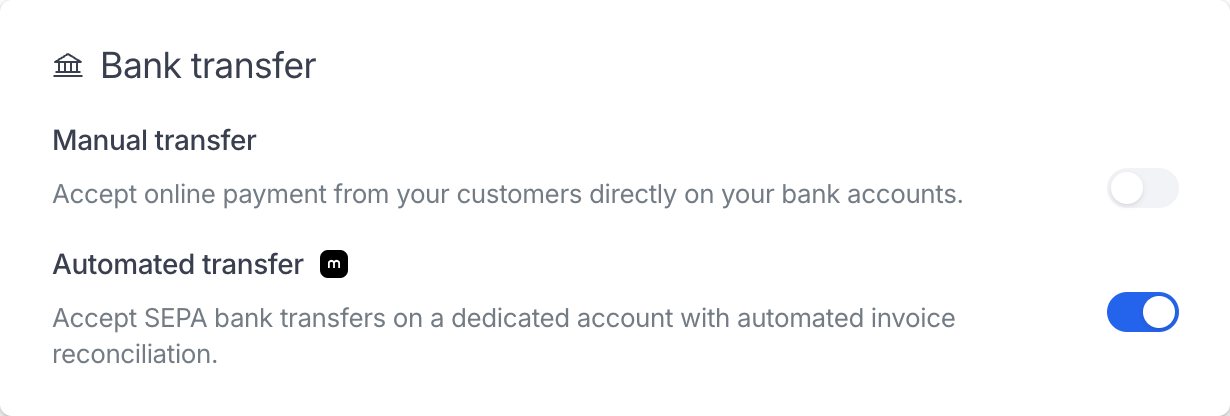
Navigate to Settings > Payment page
This feature is currently available only with Mollie. You can transfer payouts from your Mollie account to another bank account, just as you would with any other card or direct debit payments.
Manual customer bank transfer
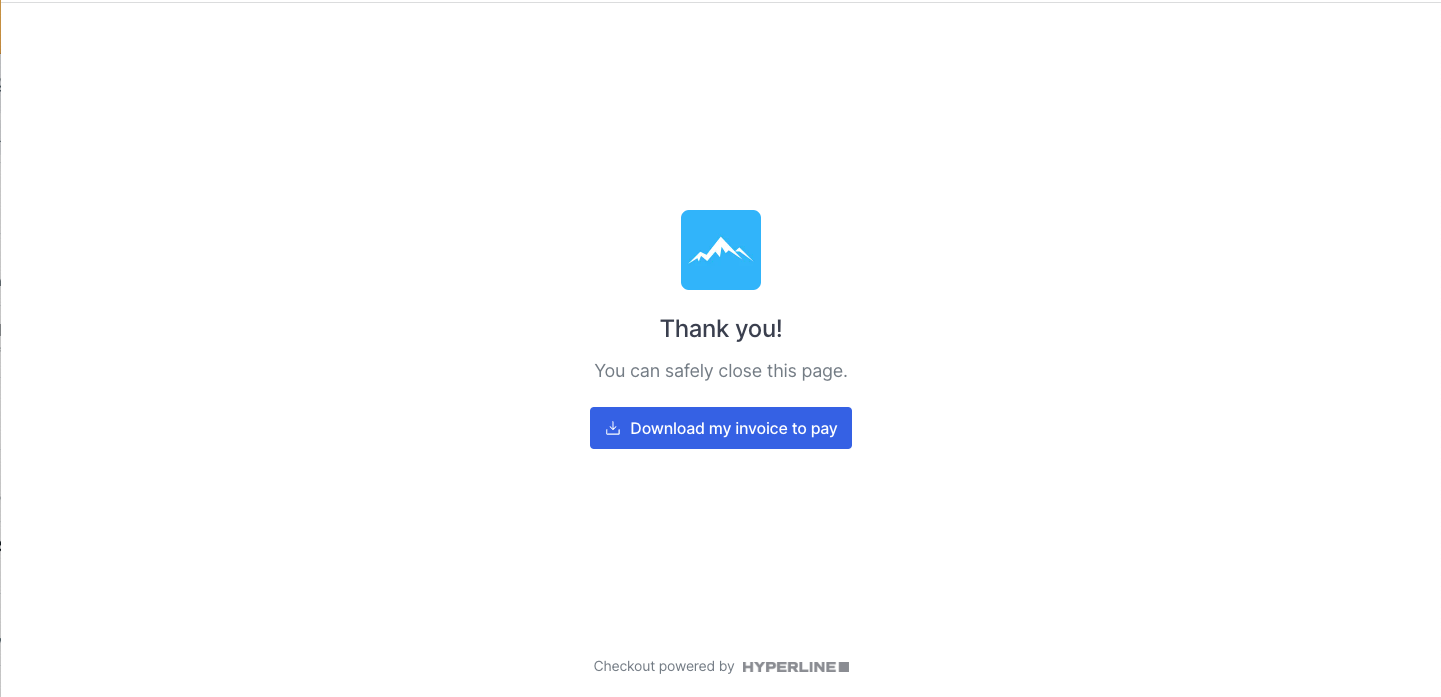
If you enable manual bank transfers as a payment option in Settings > Payment, record or match the payment after the funds are received. Hyperline then derives the invoice status from the resulting transaction allocation. After setting up a subscription for your customer, they can pay via their checkout page by selecting Bank transfer.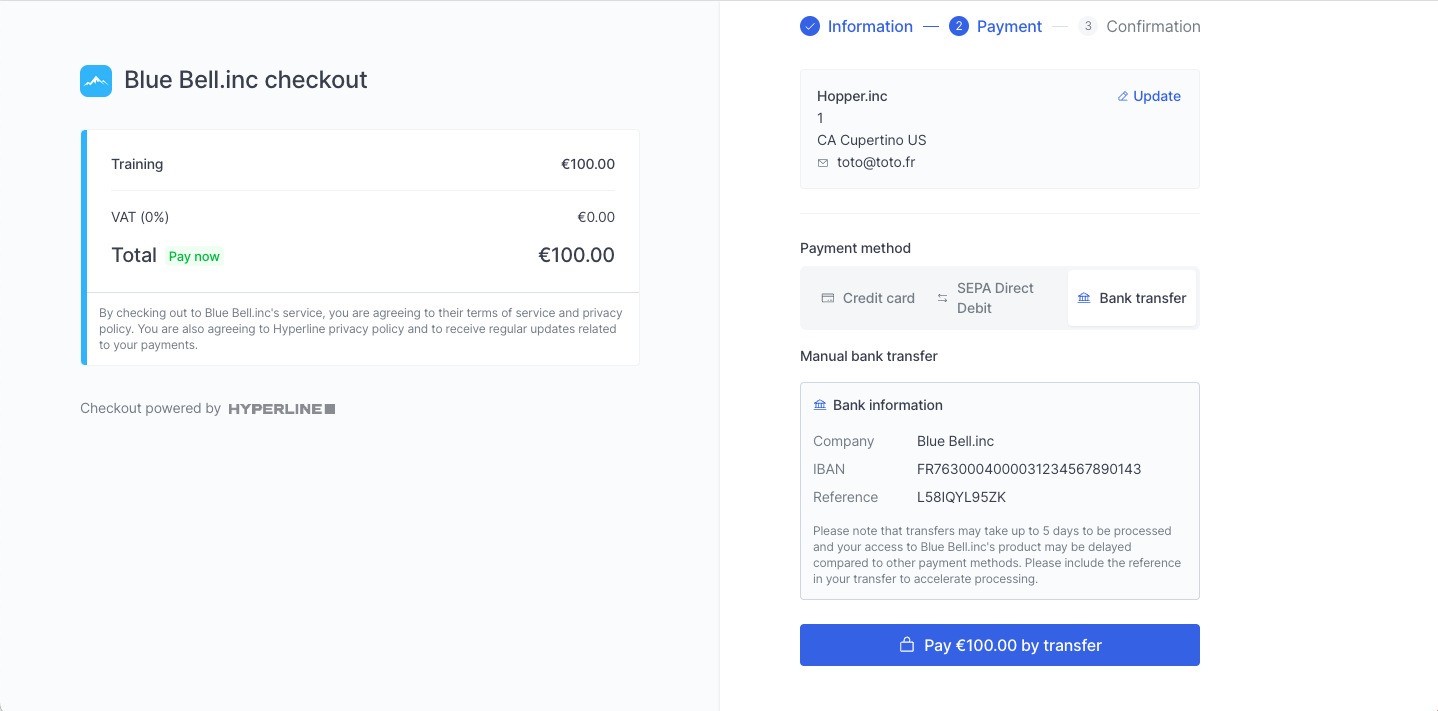
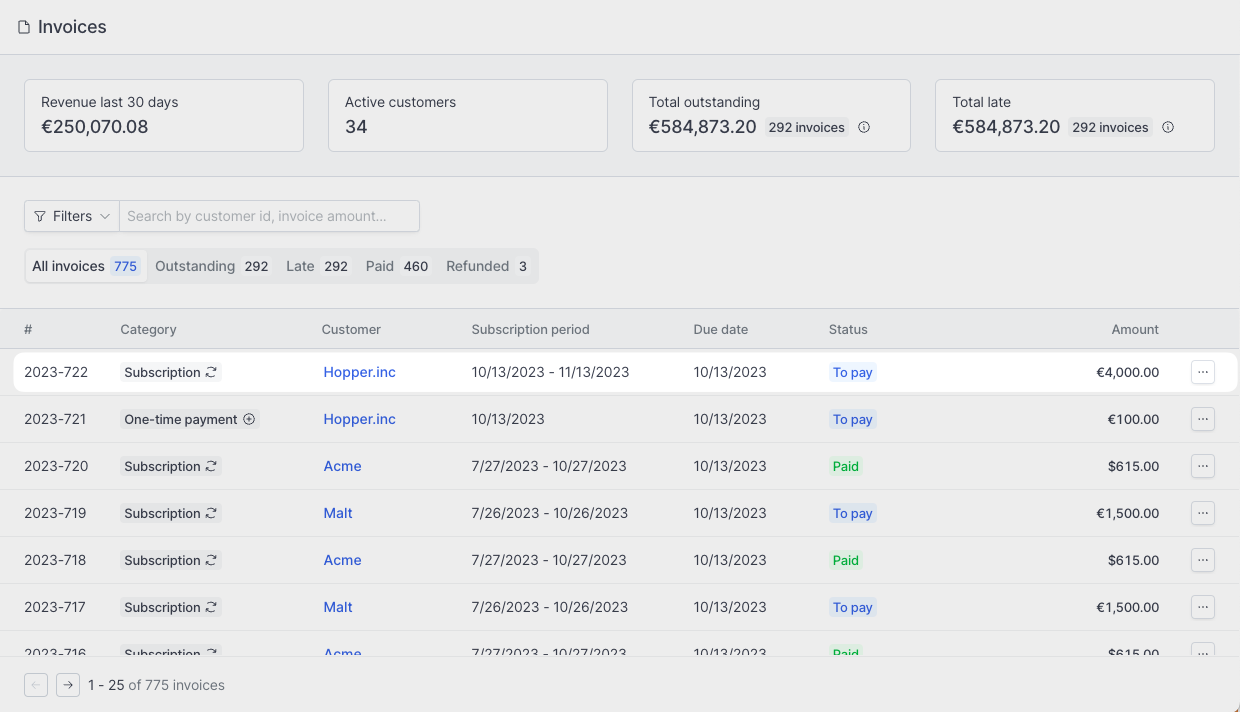
Add a payment manually
Recording an offline payment only applies to bank transfers and other payments received outside Hyperline. Cards, direct debits, and automated transfers processed through a payment provider update invoices automatically.
- Use wallet balance to debit the customer’s wallet
- Use existing transaction to match a compatible transaction that still has an unallocated amount
- Record offline payment to record a bank transfer or another payment received outside Hyperline
You can add several payments to the same invoice. Each transaction keeps its own amount, and the invoice becomes fully paid only when its remaining amount reaches zero.