

Multiple signers and signature workflows
Quote signing now supports multiple customer signers in ordered steps and read-only viewers. You can include team members as countersigners within the workflow.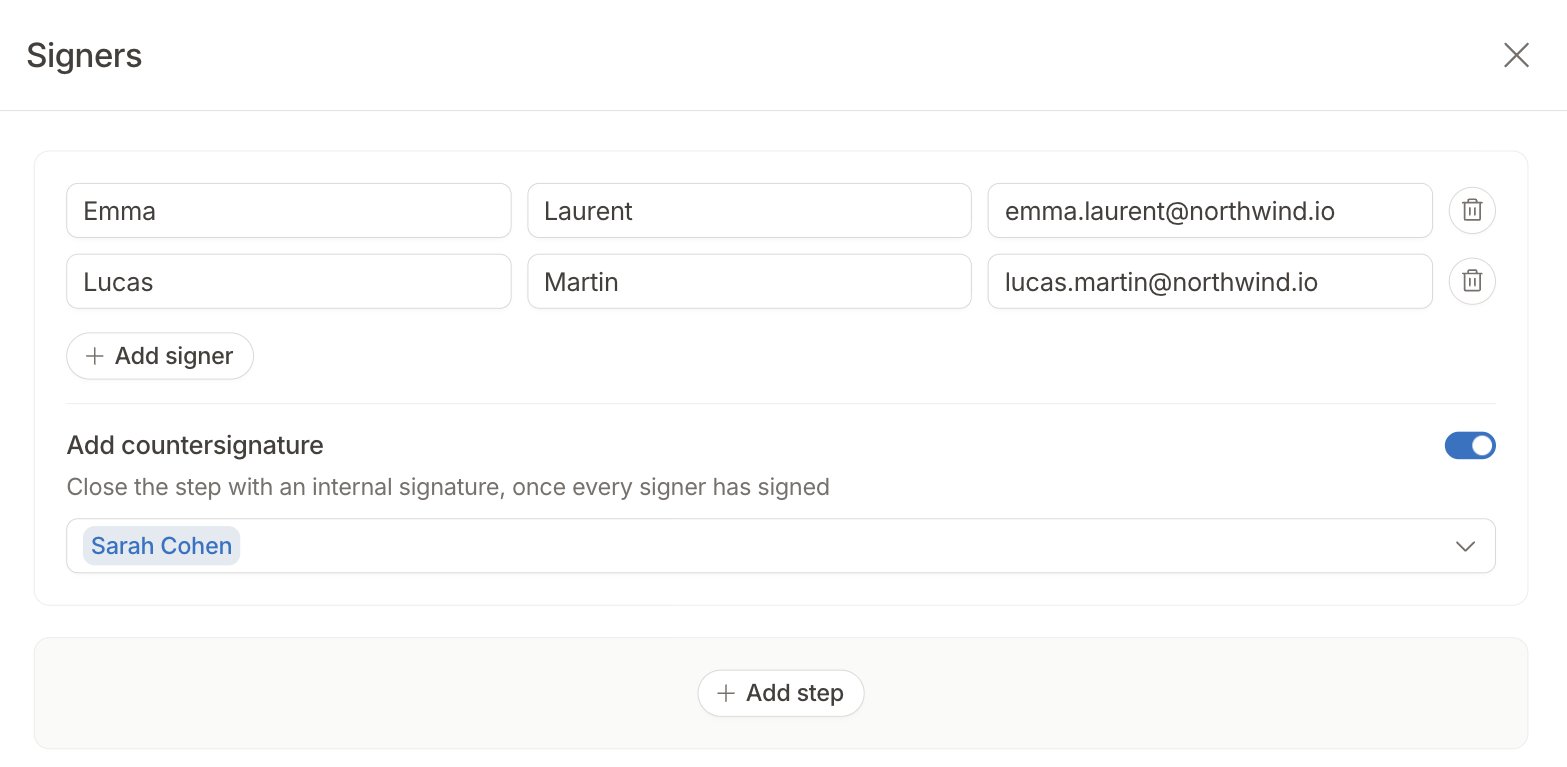
Subscription renewals
The new Subscriptions > Renewals tab shows contracts that renew or end in the next 90 days, grouped into time windows with subscription counts and estimated annual recurring revenue.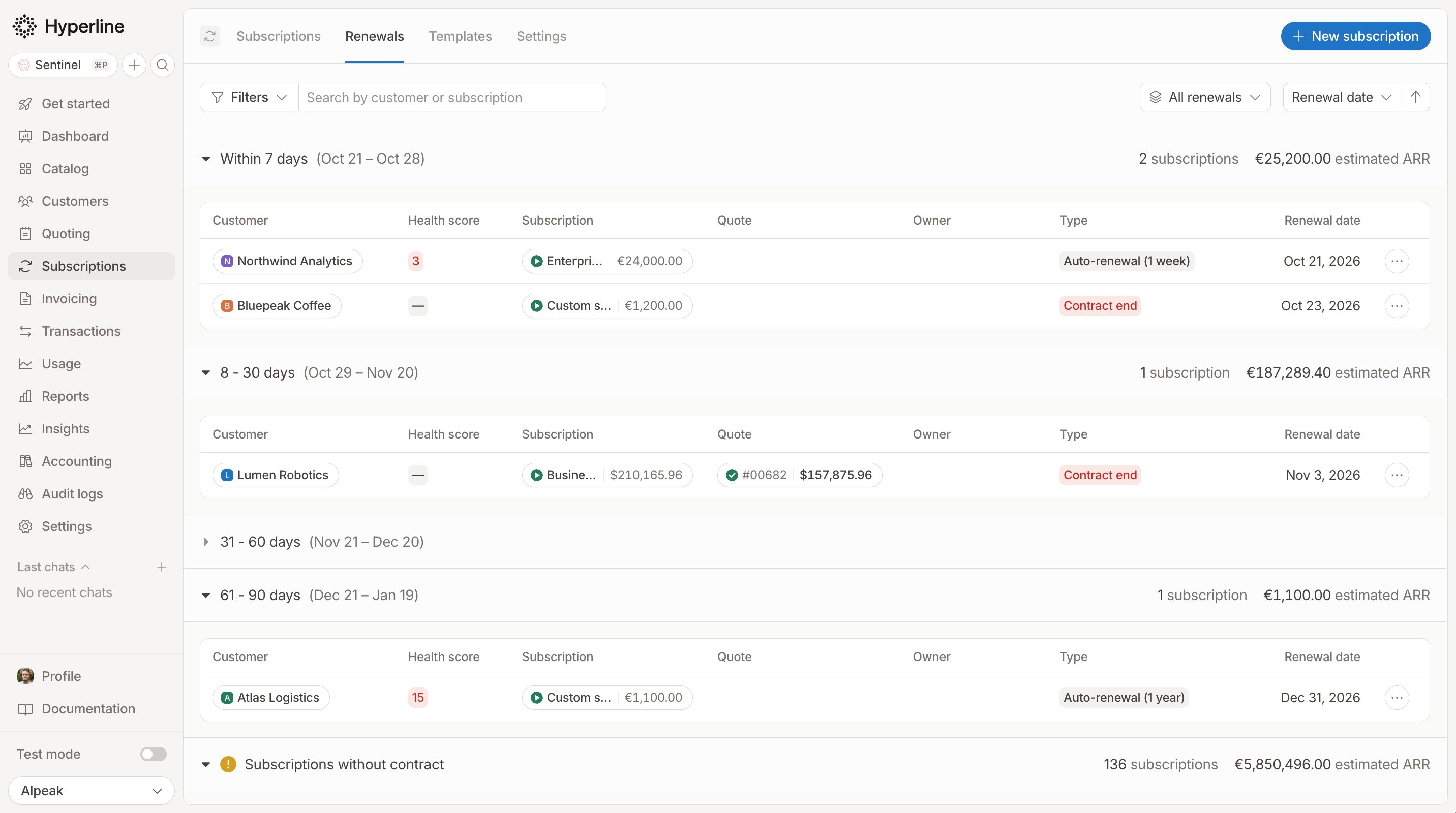
Quotes overview
The new Quoting > Overview page brings your signed revenue, quote pipeline, and actions into one place.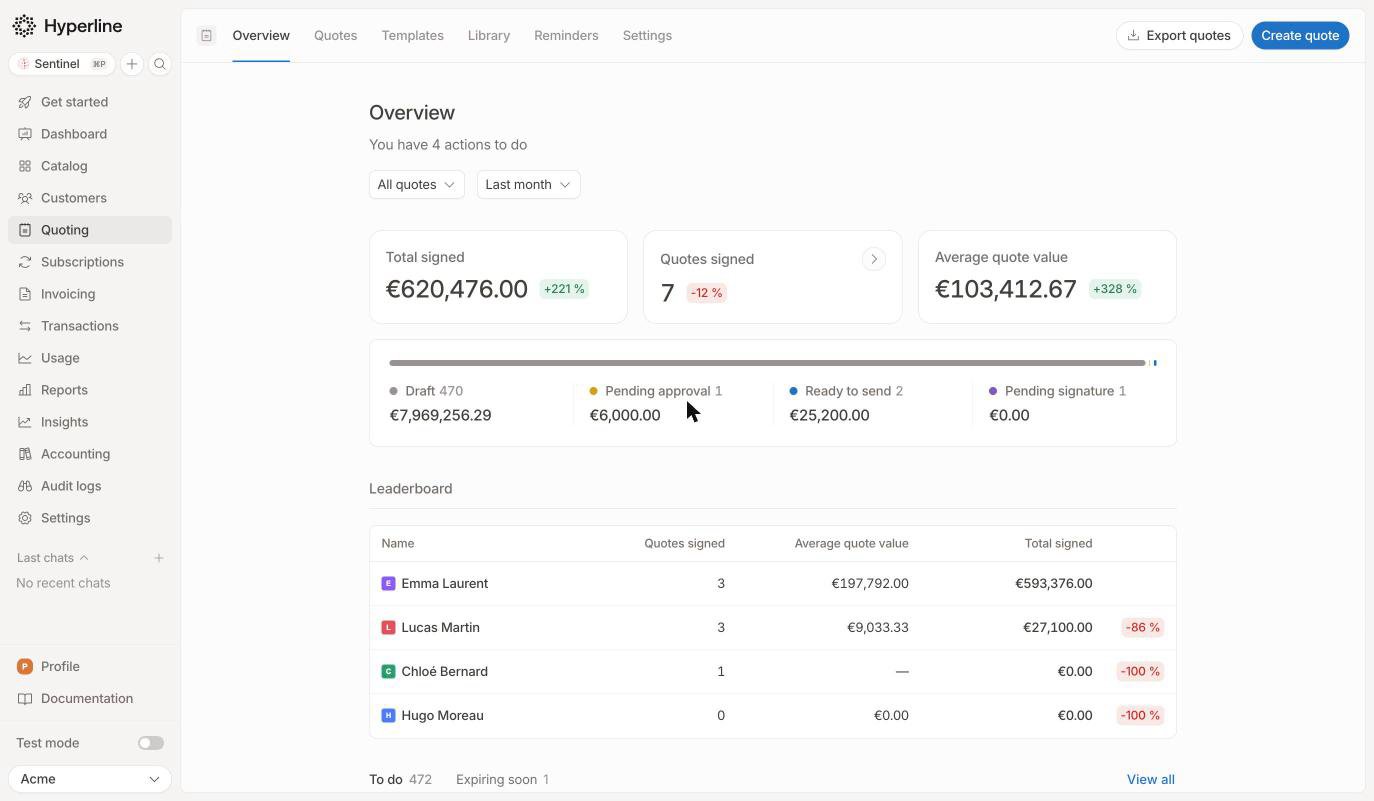
Automatic quote reminders
You can now configure email sequences in Quoting > Reminders to follow up with recipients who haven’t signed. Each reminder is timed from the recipient’s signature request. With a signature workflow, only unsigned signers in the active step receive reminders. Quote and invoice reminder audiences now use customer segments. Select a saved segment or create one for a single sequence. You can also review sent reminders and upcoming emails from the sequence. Learn more about quote remindersResume paused and cancelled subscriptions
Pausing invoice issuance now freezes billing periods as well as invoices. When you resume, you can choose the restart date and how to bill the paused period: skip it, prorate the remaining period, charge in full, or configure a custom charge. You can also reinstate a cancelled subscription with its previous products, phases, and contract terms. Resume immediately, use a past date, or schedule a future reinstatement. Review the invoice preview before confirming; custom charges are available for immediate reinstatements. Learn more about resuming a paused subscription Learn more about reinstating a subscriptionCredit top-ups in the customer portal
Your customers can now purchase credits directly from their portal. Enable purchases for each customer and credit product, then choose a catalog price or configure a customer-specific price.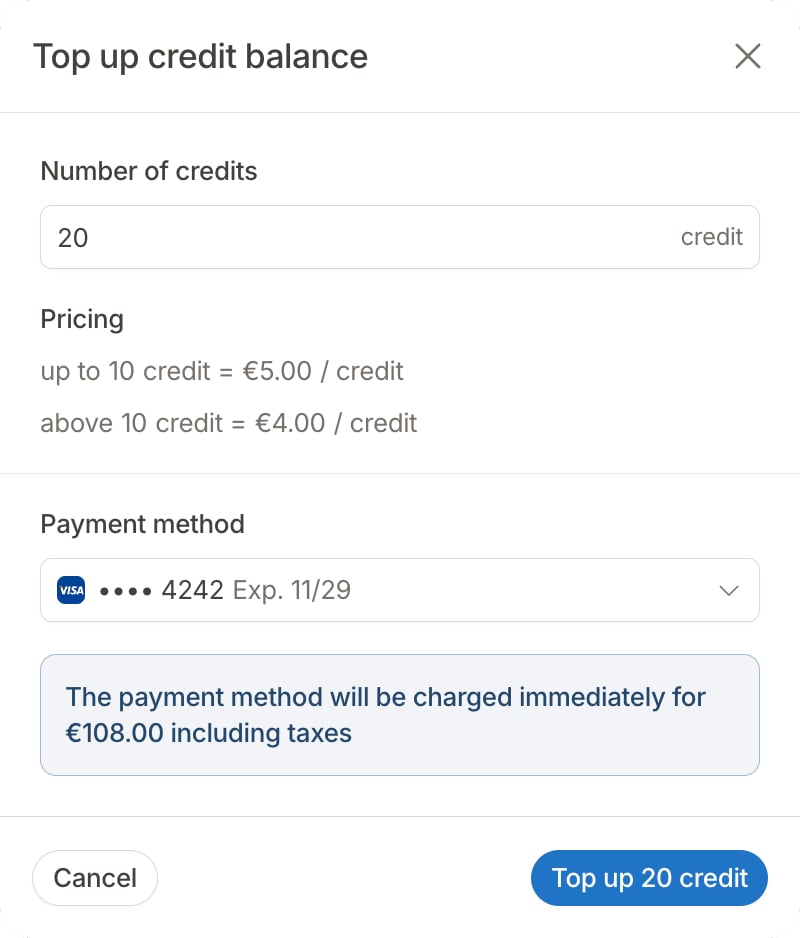
One-off invoice scheduling and editing
You can now schedule a one-off invoice for a future issue date. Quotes for one-off invoices also let you schedule issuance for a future date instead of issuing the invoice as soon as the customer signs. The invoice editor now uses a line-item table with a side panel for pricing, service periods, and taxes. Adding a catalog product prefills its price, with a price picker and tier details to help you review the amount. You can also configure a percentage discount directly on a one-off invoice or its quote. Learn more about creating invoices Learn more about quotes for one-off invoicesContract-based revenue recognition
For eligible fixed-term contracts, Hyperline now spreads recurring revenue across the committed contract term, including free periods. This keeps recognition aligned with the service period when invoices follow a different schedule.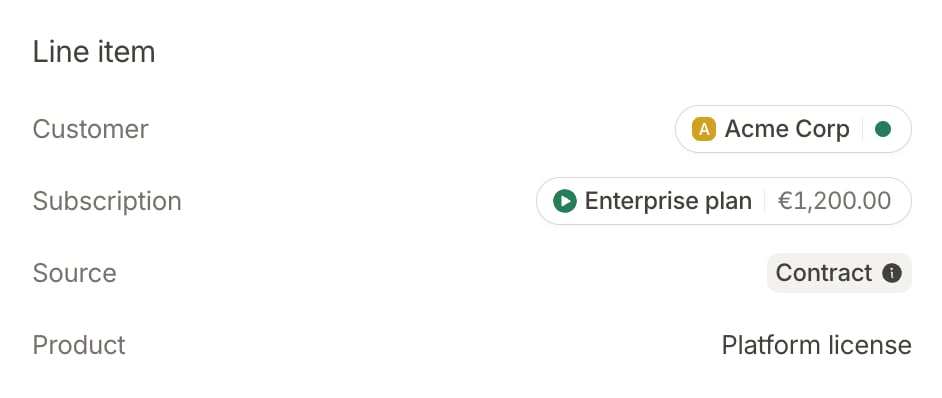
Payment recovery
Automatic payment method fallback lets Hyperline try another eligible saved payment method when the current method can no longer be retried or its retry schedule is exhausted. Invoice reminder sequences can also include invoices with failed payments, including card and direct debit invoices, once automatic attempts are exhausted and no further retries remain. This lets email follow-ups take over when automatic collection stops. Learn more about payment method fallback Learn more about reminders after payment failuresMinimum fees per subscription phase
You can now set a different minimum fee for each subscription phase and limit it to selected products. If eligible charges fall below the minimum, Hyperline adds an adjustment for the difference. The existing invoice-level minimum remains available and applies to the full invoice after phase adjustments. You can also assign an accounting product code to minimum fee adjustments. Learn more about phase minimum feesSphere tax integration
You can now use Sphere to calculate invoice taxes for selected invoicing entities. The integration is available on request. Learn more about the Sphere integrationOther improvements
- Automatically void expired quotes: Automatically void expired quotes for new subscriptions after a delay you choose. Learn more
- Quote creation and templates: A quote’s type now follows the content you add, so you no longer select its type upfront. Quote templates work across quote types, and you can add attachments directly from your document library. Learn more
- Quote pricing display: Price tiers now use a table, and one-off fees and discount durations are clearer. You can group eligible discounts in the totals while keeping catalog prices on product lines. Quotes now calculate a contract value that reflects charges over the contract duration. Learn more
- Approval workflows: Preview the approval steps before finalizing a quote and add an internal comment for reviewers. Discount conditions can now target specific products on quotes and invoices. Learn more
- Subscription templates: Add products without choosing a price in the template, then select the matching catalog price when applying it. This lets you reuse the same product combinations and contract terms across price variants.
- Contract price adjustment frequency: Configure an adjustment frequency independently of the contract’s renewal duration. Learn more
- Coupon exclusions: Apply a coupon to all products except those you select. New products remain eligible without updating an inclusion list. Learn more
- CRM controls: Choose which customer fields synchronize with your CRM and disable automatic user registration when you want to control access explicitly. Learn more about HubSpot
- Pennylane categories: Map invoice custom properties and their individual values to Pennylane analytical categories. Learn more
- Email custom properties: A new email property type validates addresses entered in custom fields. Learn more