

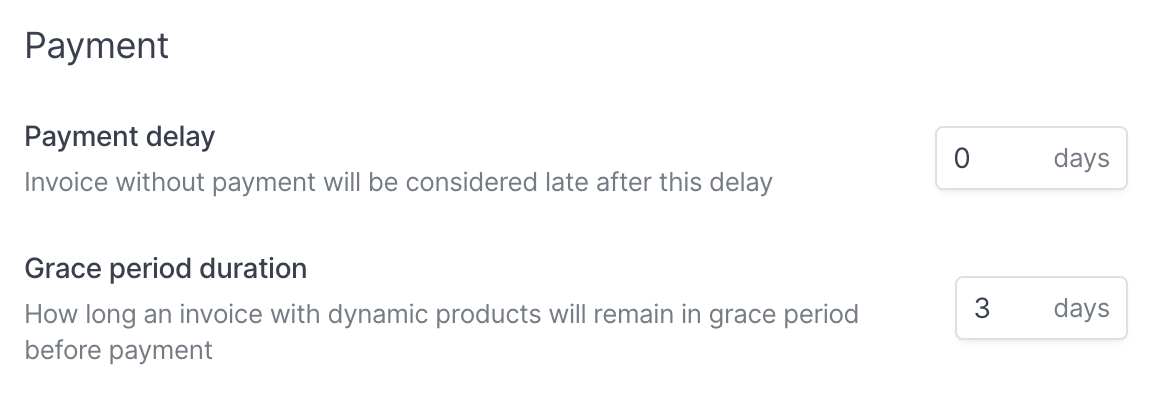
The payment term starts to run from the day Hyperline issues the invoice for payment.
Customization per customer
In the Advanced section, you can enter the custom payment term negotiated with your customer.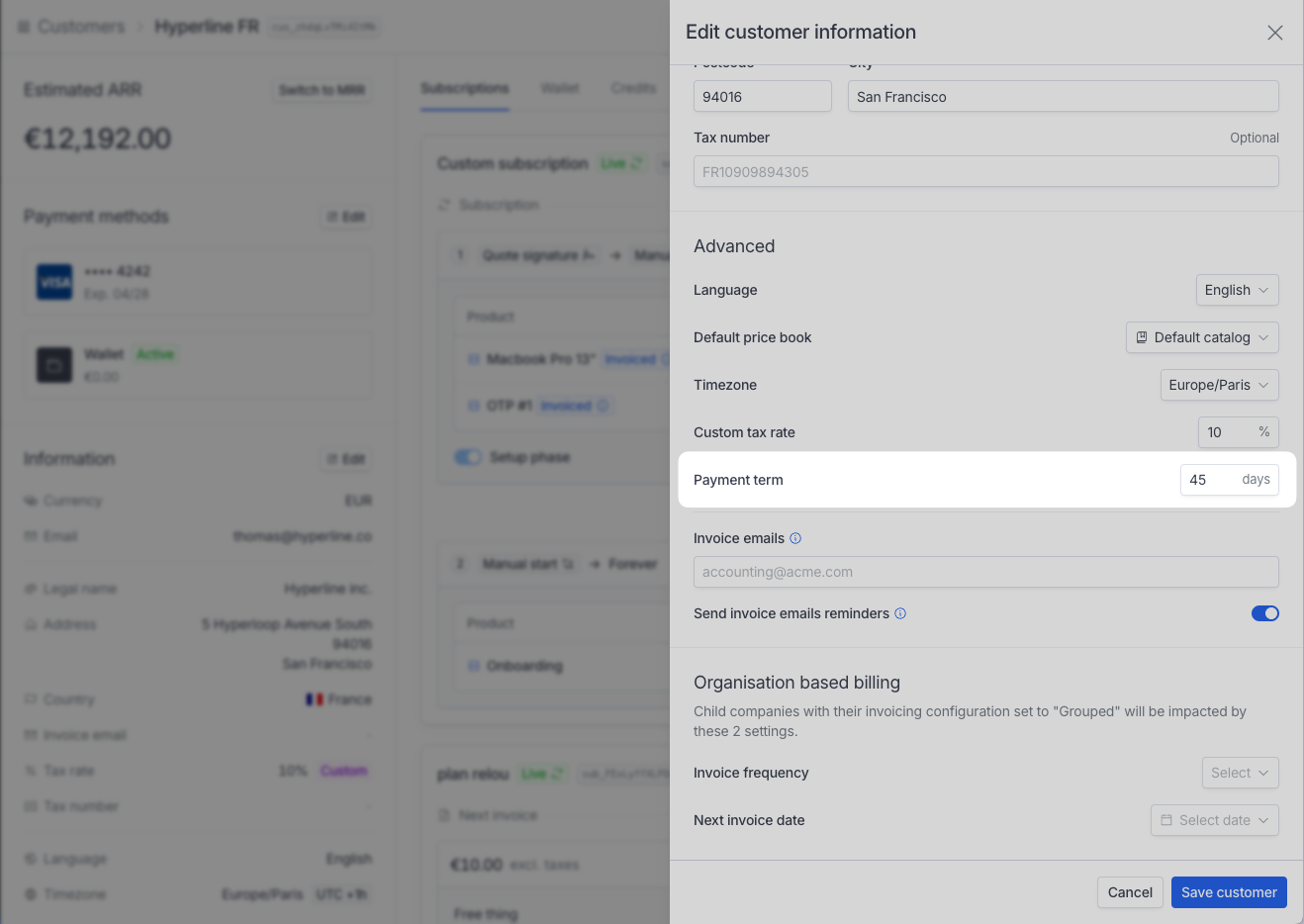
Grace period
For invoices with usage-based products, Hyperline uses a grace period, defined as a number of days, to leave invoices open before sending them for payment. This period allows you to review the invoices before they are finalized. At the end of this period, Hyperline automatically sends invoices for payment. The default duration is 3 days, but you can configure it on the Settings > Invoicing page.Behavior during the period
During this period, Hyperline takes newly ingested events for the invoice billing period into account and regularly updates invoices, so they have the latest accurate usage data. Invoices in grace period don’t have a unique number (not part of the sequential numbering). Hyperline generates this number when the invoice is finalized/ready to be paid.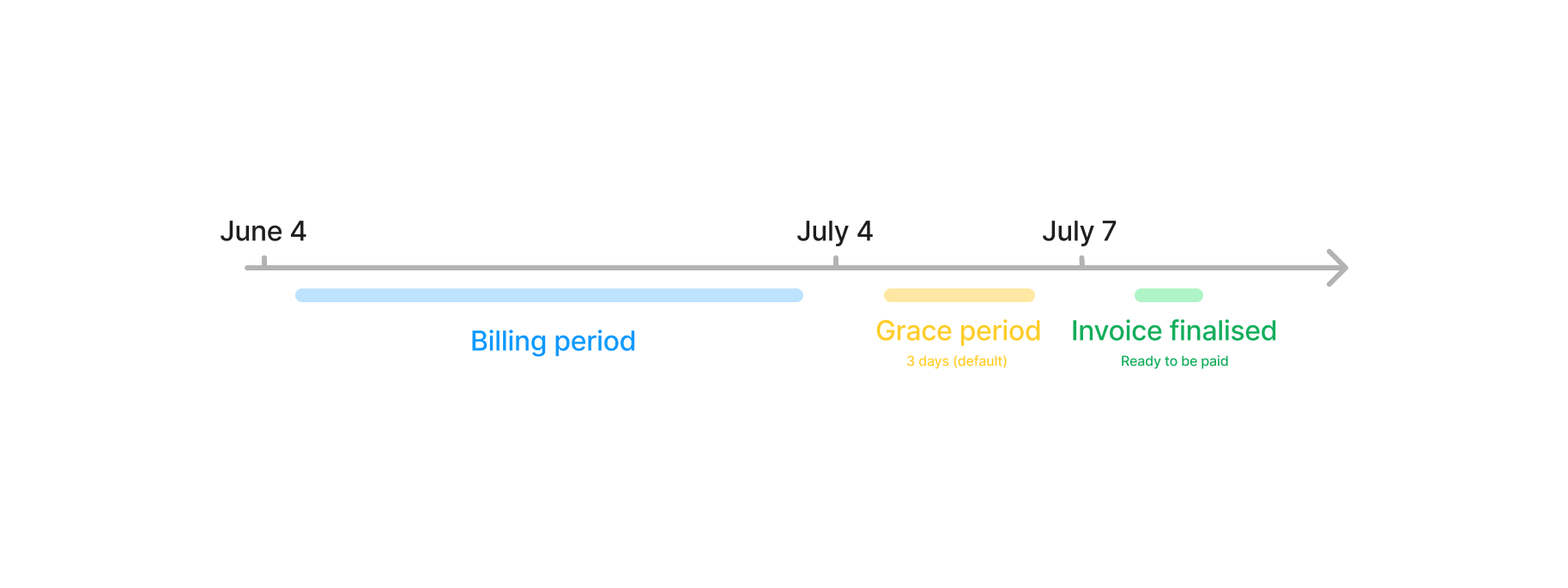
When the invoice leaves the grace period and is ready to be paid, Hyperline
sends an
invoice.ready webhook message. For more details about webhooks, see
the webhooks page.Payment initiation delay
The payment initiation delay is different from the payment term. The payment term defines when an invoice becomes late. The payment initiation delay defines when Hyperline starts collecting payment on invoices with an automated payment method, such as card or direct debit. When you set a payment initiation delay, Hyperline doesn’t charge the invoice when it’s ready to be paid. Hyperline schedules a transaction for the amount due instead, and processes it once the delay has passed. You can configure the default delay in Settings > Invoicing, under Payment initiation delay. To override it for a specific customer, set a Custom payment initiation delay using the Edit customer action.The payment initiation delay also applies to invoices generated by a checkout. See Checkout with a payment initiation delay.