

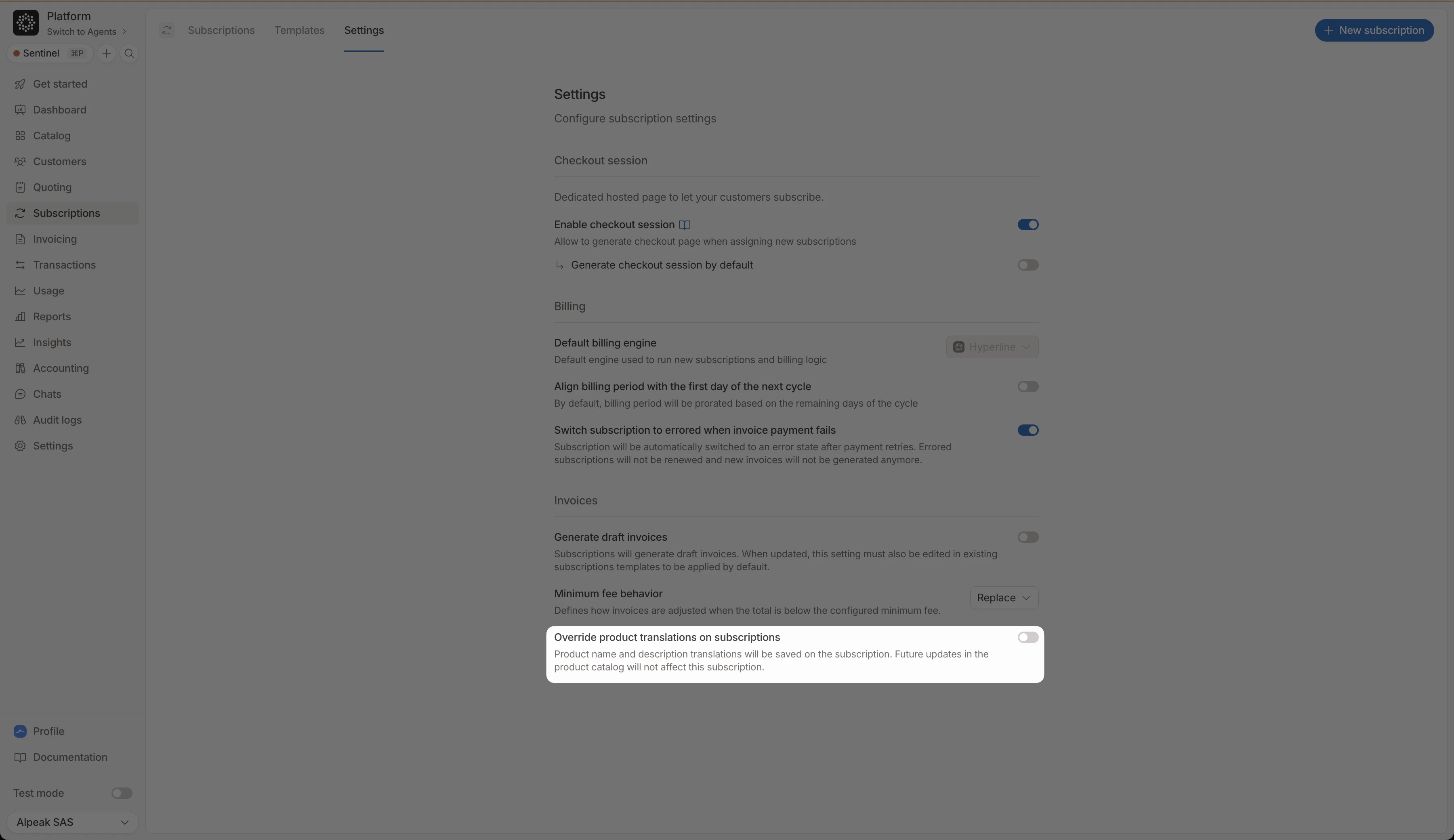
Set a default for all subscriptions
Enable per product
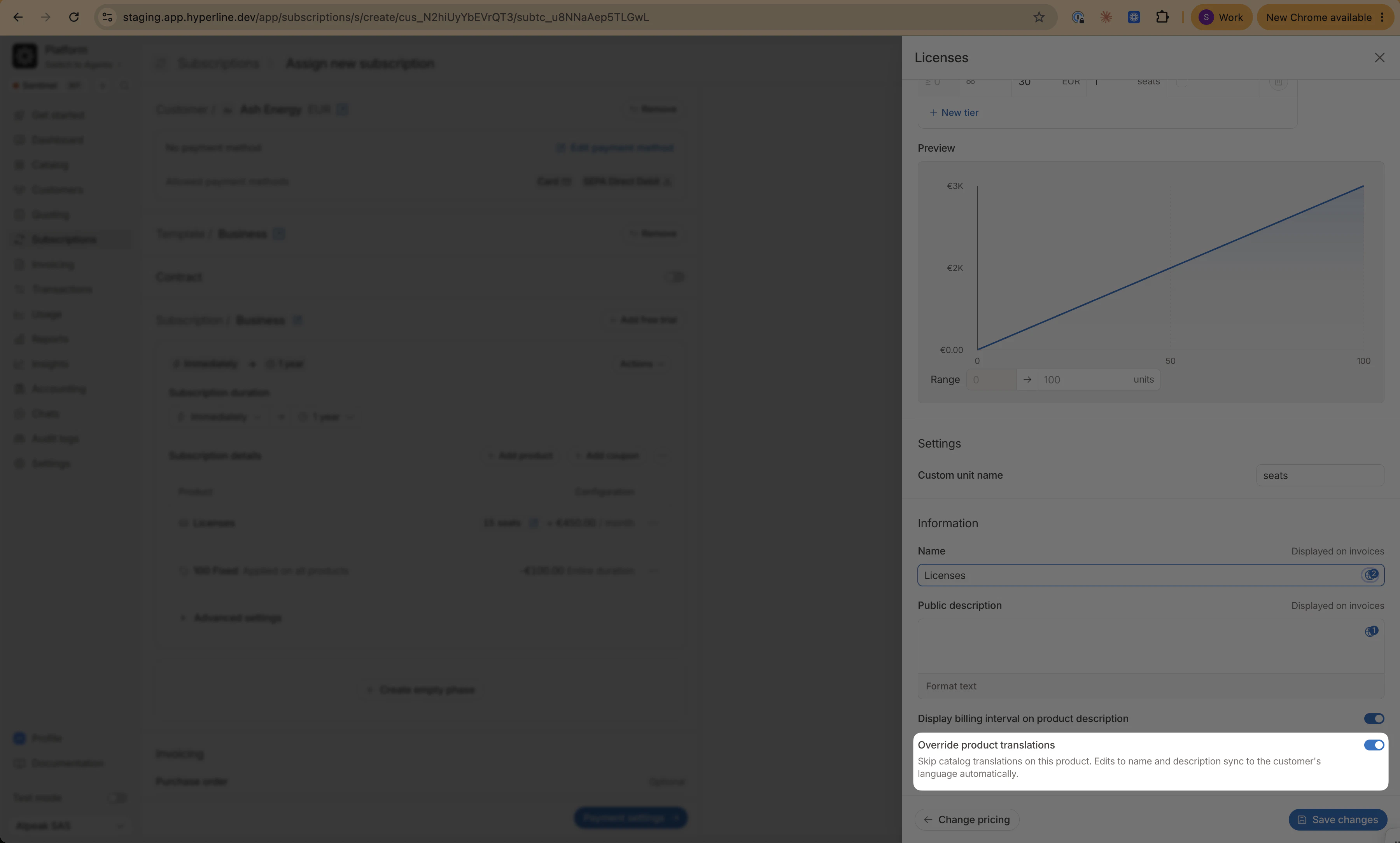
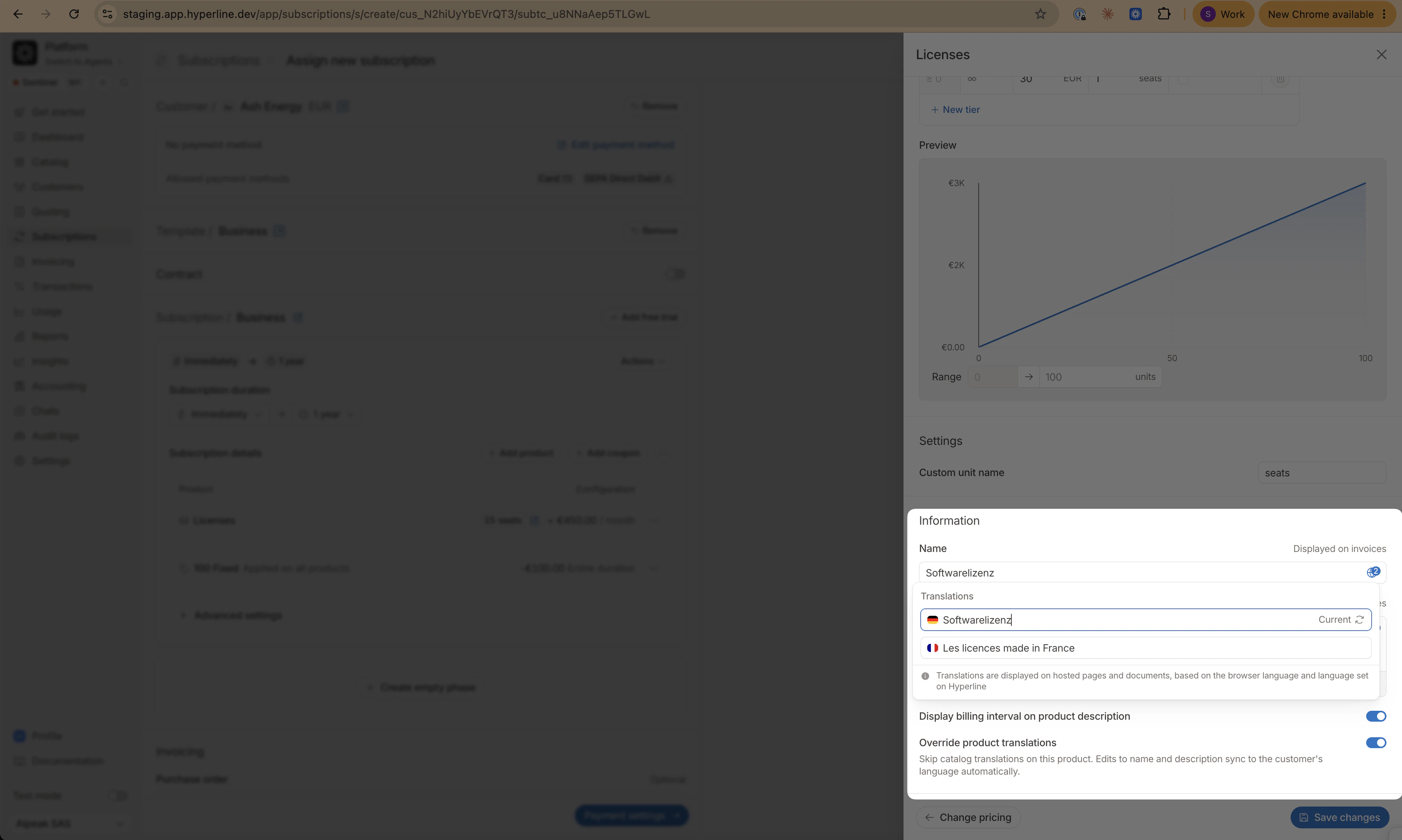
The toggle only appears when the customer has a language set that differs from the invoicing entity’s language. When both are the same, the main field already covers the only relevant locale.
Edit translations
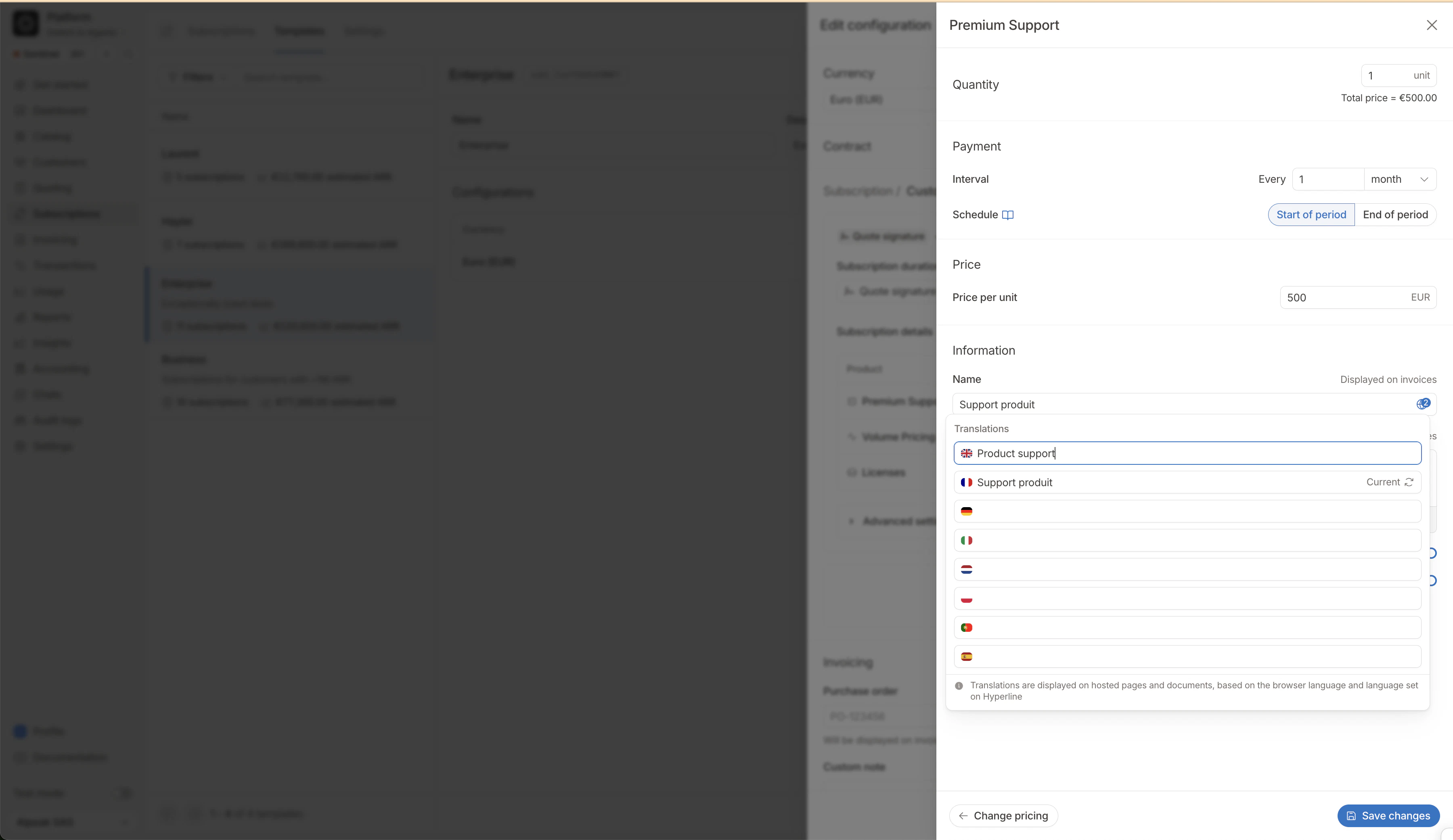
Templates
Precedence
From lowest to highest: default (false) → subscription settings → template → subscription product. A higher-level value always wins.
FAQ
I turned off the override, what happens to my custom translations?
I turned off the override, what happens to my custom translations?
Hyperline reverts to catalog translations (or the main field if none exist). Your custom values are preserved on the subscription and restored if you re-enable the override.
Why is the toggle missing on a product?
Why is the toggle missing on a product?
Either the customer has no language set, or the customer and invoicing entity share the same language, in which case no separate translation tab is needed.
Can I override translations on invoice line items?
Can I override translations on invoice line items?
Yes. The same globe icon appears on name and description fields when editing an invoice manually.