

Reading the balance card
The balance is shown as a card at the top of the customer overview page. Its color is an at-a-glance signal of whether the customer needs attention, and the tag underneath spells out why.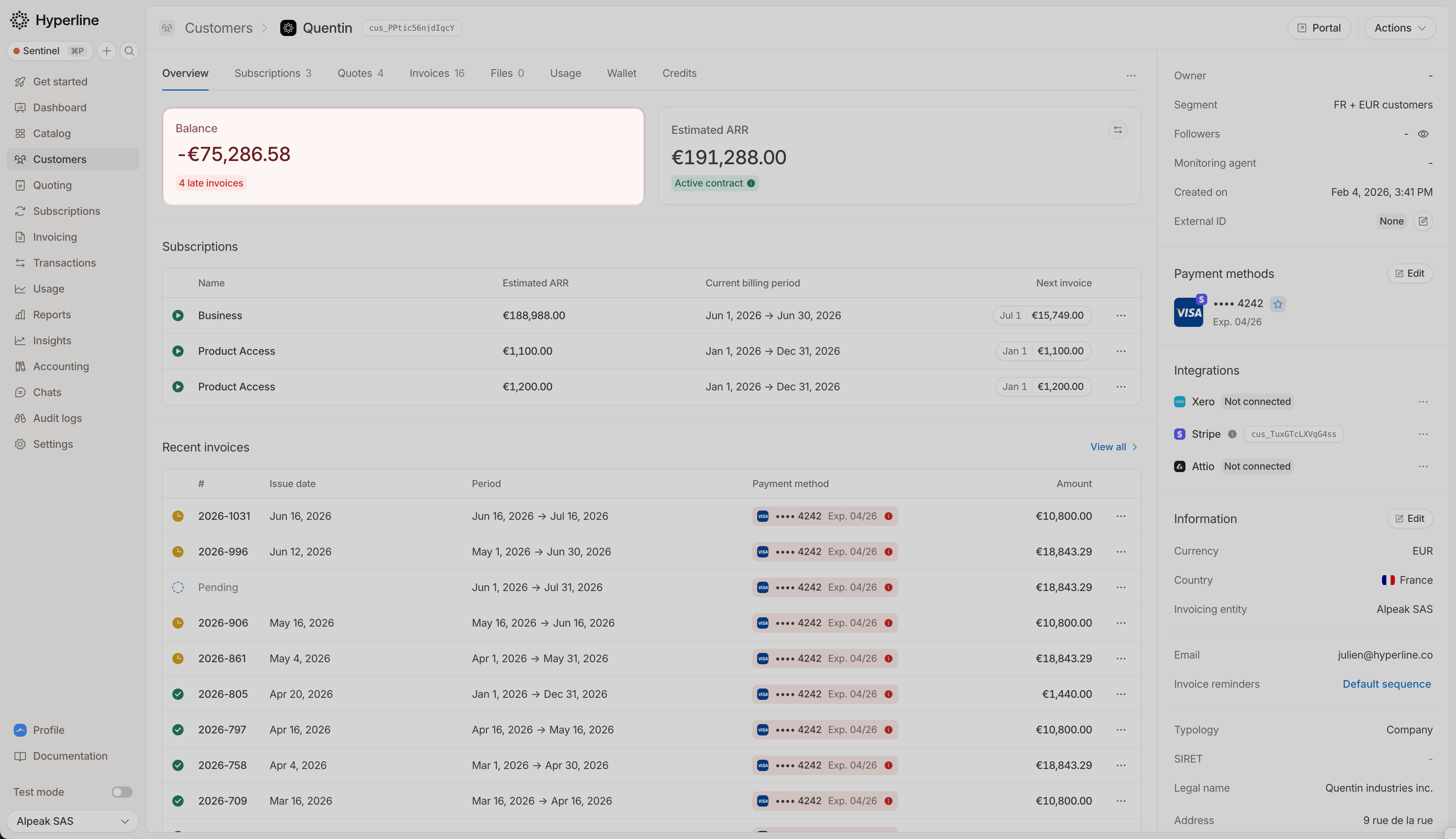
What the colors mean
The difference between red and yellow is purely about timing. As soon as a single open invoice passes its due date, the card turns red. It stays yellow while every open invoice is still within terms. A customer can move from yellow to red without any new invoices, simply because a due date has passed.
The color and tag are driven only by the customer’s open invoices, independently of the headline amount. So the card can stay yellow or red even when the amount itself shows a dash (see the currency shown on the card).
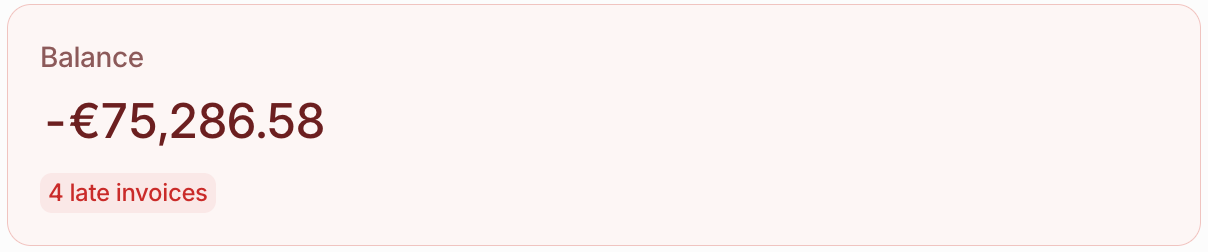
Overdue: payment is late
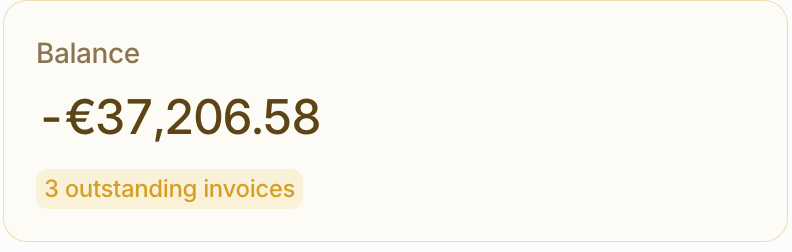
Outstanding: within terms
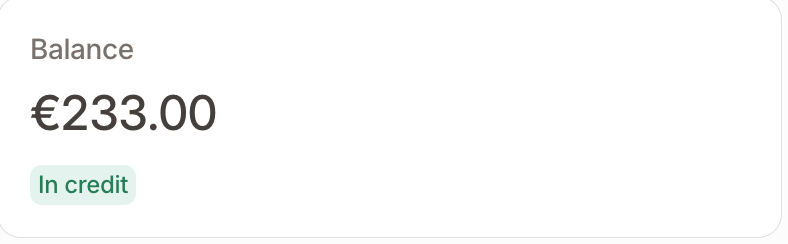
In credit
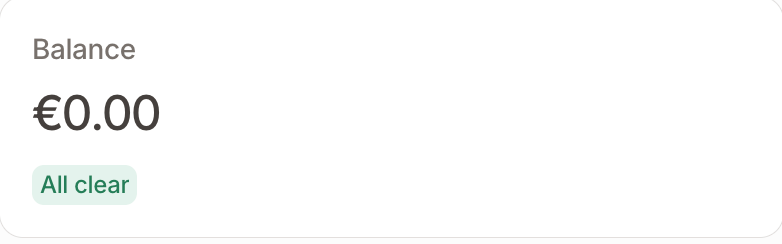
All clear: nothing outstanding
The formula
The balance combines three components:The sign tells you the direction:
- Negative: the customer owes you money (their outstanding invoices exceed their credit).
- Positive: the customer is in credit (their credit notes and wallet exceed what they owe).
- Zero: the account is fully settled.
The three components
Outstanding invoices
The total still due on the customer’s finalized invoices that are not yet fully paid, including partially paid and failed ones. This is the only component that pushes the balance towards “owing”. Hyperline doesn’t count draft, voided, fully paid, or refunded invoices. It also excludes an invoice with a payment in progress until that payment settles or fails.Credit notes
The total of credit notes issued to the customer that have not yet been refunded or applied to an invoice. Once a credit note is applied to an invoice, it reduces that invoice’s amount due, so it is never counted twice.Wallet credit
The customer’s available prepaid wallet balance. A wallet balance only ever increases credit; it is never treated as negative.An unallocated payment transaction is not part of the wallet balance and does not settle an invoice by itself. It affects the customer’s position only after you allocate it to an invoice or add it to the wallet. See Understand payment allocations.
A worked example
3,000 + 1,500 − 10,000 = −5,500 → the customer owes 5,500.
If the same customer instead had no outstanding invoices, the balance would be 3,000 + 1,500 = +4,500, meaning they are 4,500 in credit.
The currency shown on the card
The balance card always shows the figure in the customer’s own currency (the currency set on the customer record), with no conversion. A customer can still have invoices, credit notes, or wallets in other currencies; Hyperline tracks each currency separately. The card reflects only the customer-currency balance, so activity in other currencies is not folded into the headline figure.If a customer has no balance activity in their own currency (for example, all of their invoices are in a different currency), the amount shows as a dash (such as
- €). The card color and invoice-count tag still reflect their open invoices.