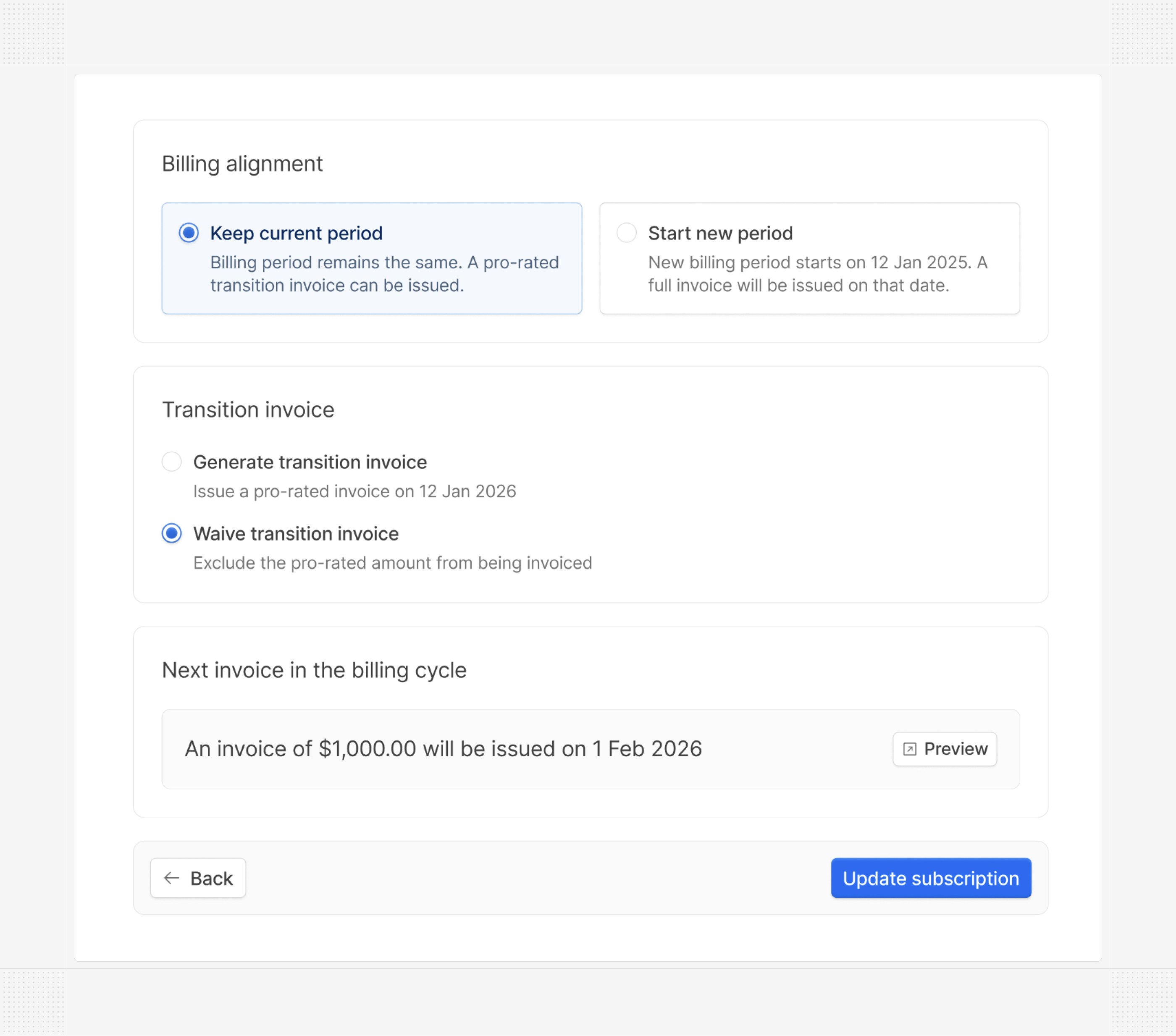
Scheduled subscription updates
You can now schedule subscription updates for a future date, allowing you to prepare changes in advance and have them automatically applied at the right time.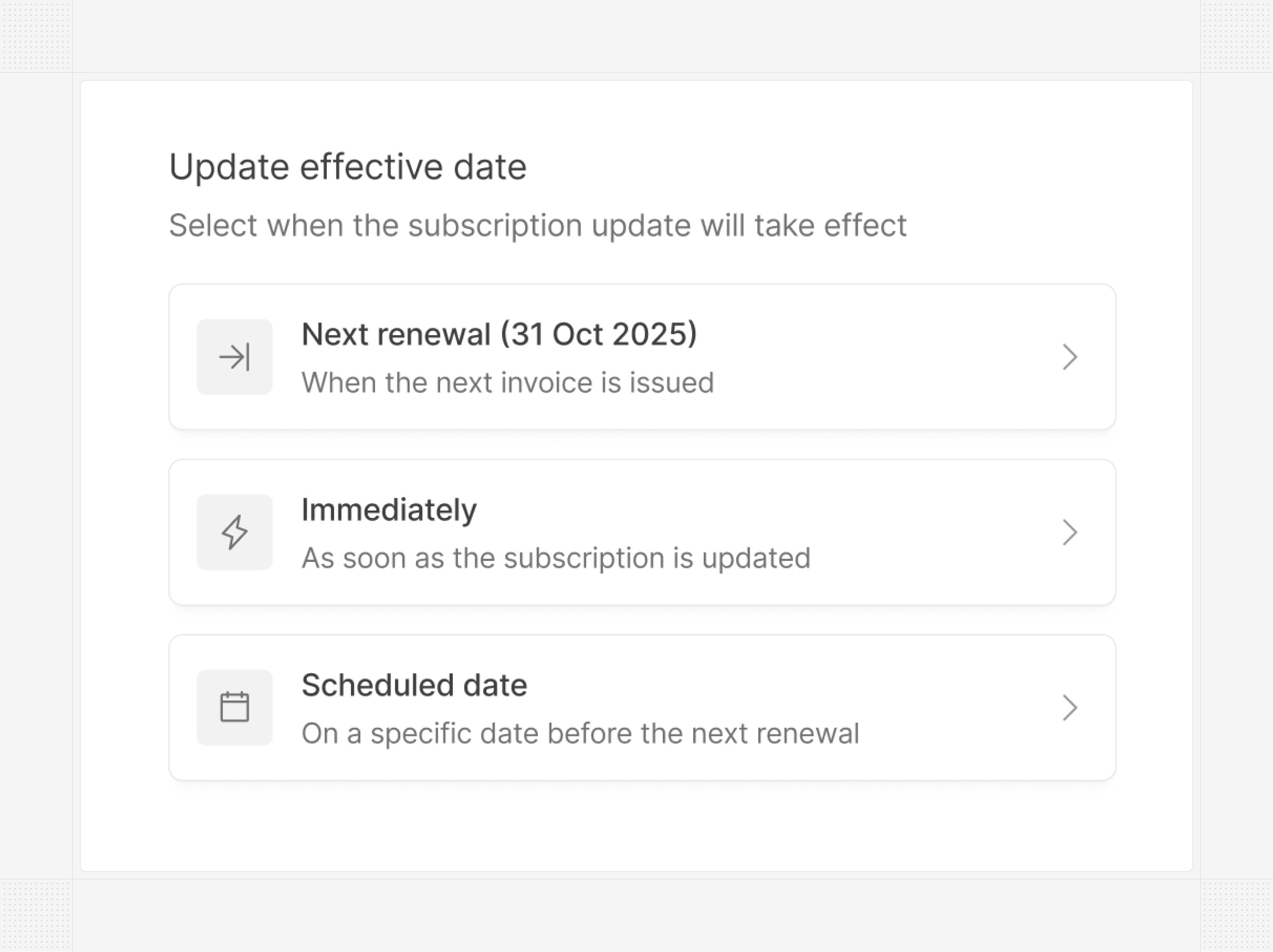
US bank account reconciliation
Automatic reconciliation of bank transactions with invoices has been available for EU countries for a while. We’ve now extended this capability to US bank accounts. Hyperline connects to over 5,000 banks in the US, automatically matching received transactions with your invoices.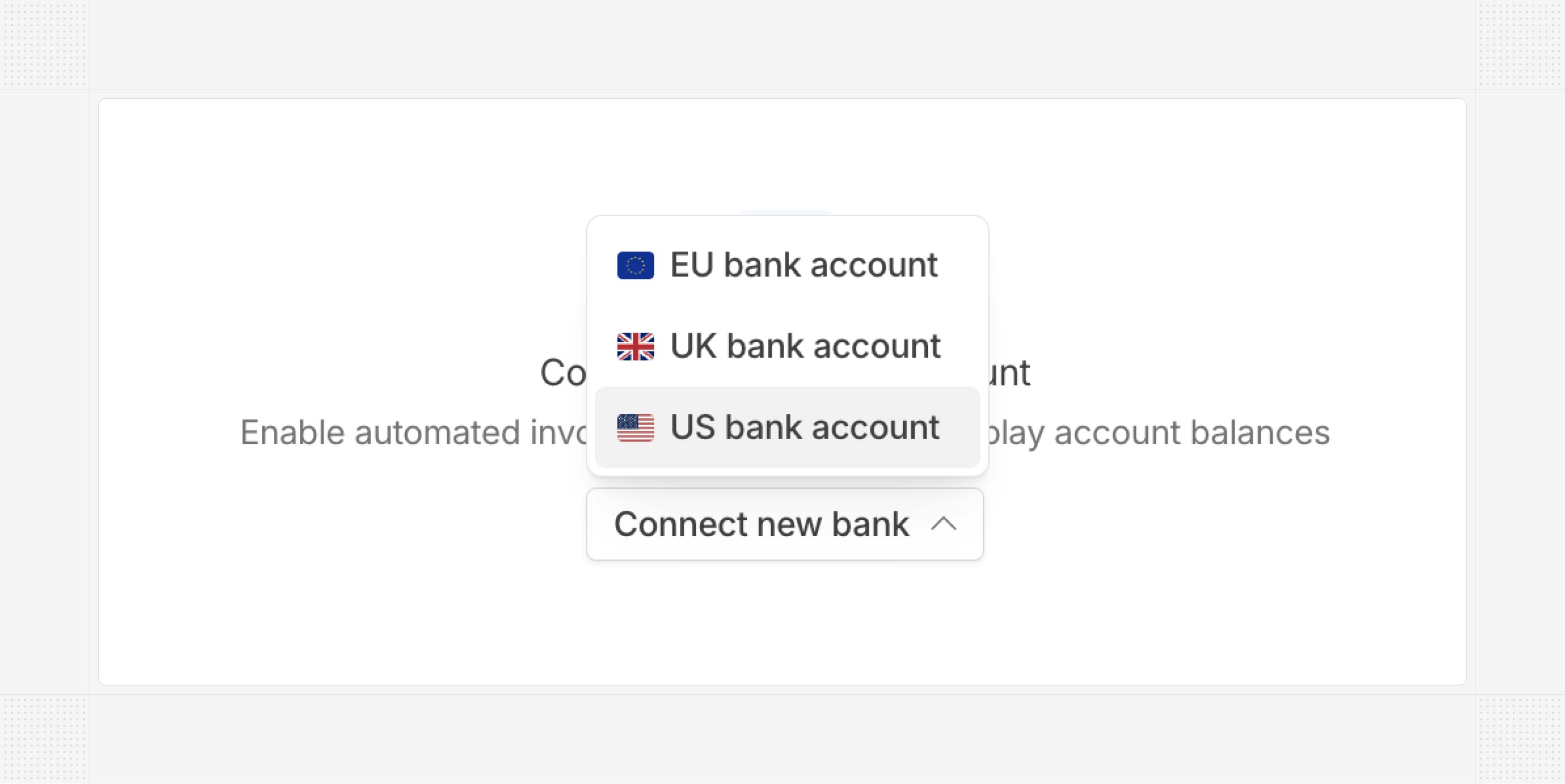
Dark mode
A new dark mode is now available for the Hyperline interface. Whether you prefer a darker aesthetic or want to reduce eye strain during long sessions, you can switch between light and dark themes from your profile settings.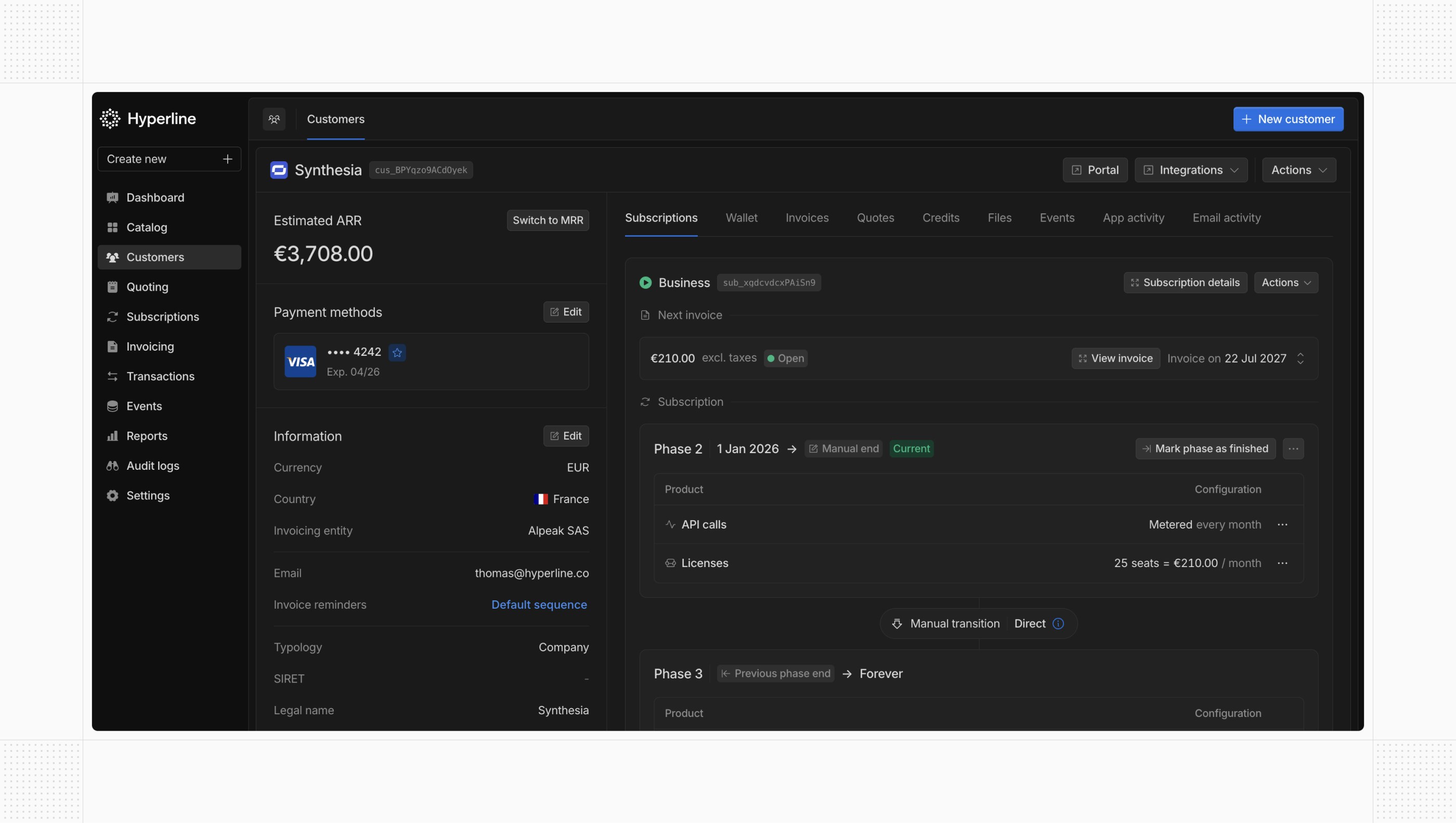
Credit wallet from credit note
When issuing a credit note, you can now credit the corresponding amount directly to the customer’s wallet. This balance will automatically apply to their future invoices.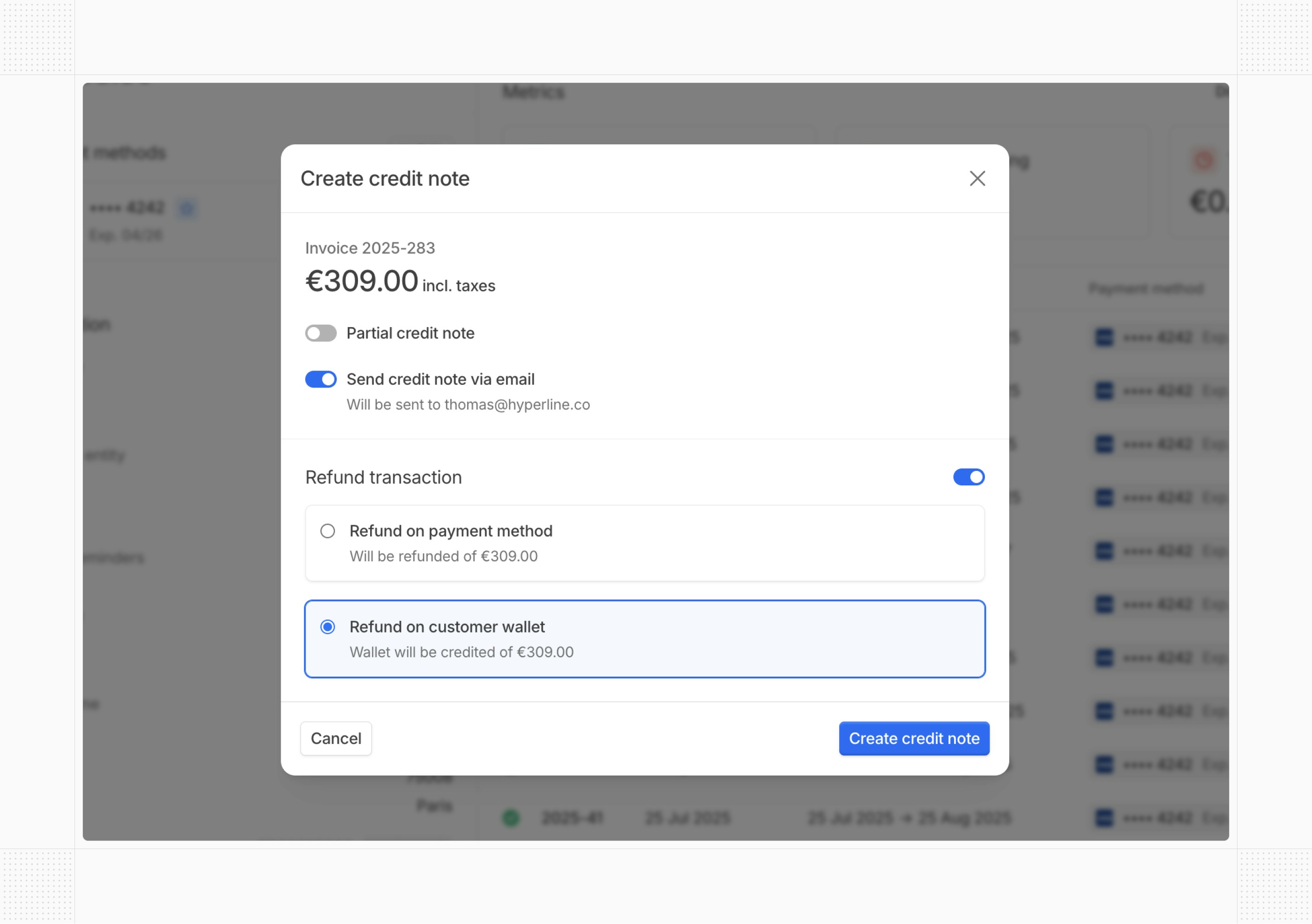
Wallet auto-load
Wallets can now be automatically topped up when the projected balance falls below a defined threshold. Combined with the existing interval-based auto-load, this gives you more flexibility in managing wallet balances. We’ve also added a new webhook to notify you when a wallet’s projected balance drops below the threshold.Insights export
You can now export data from the Insights module to CSV files. Whether you need to share metrics with your team, build custom reports, or integrate with external tools, all your analytics data is just a click away.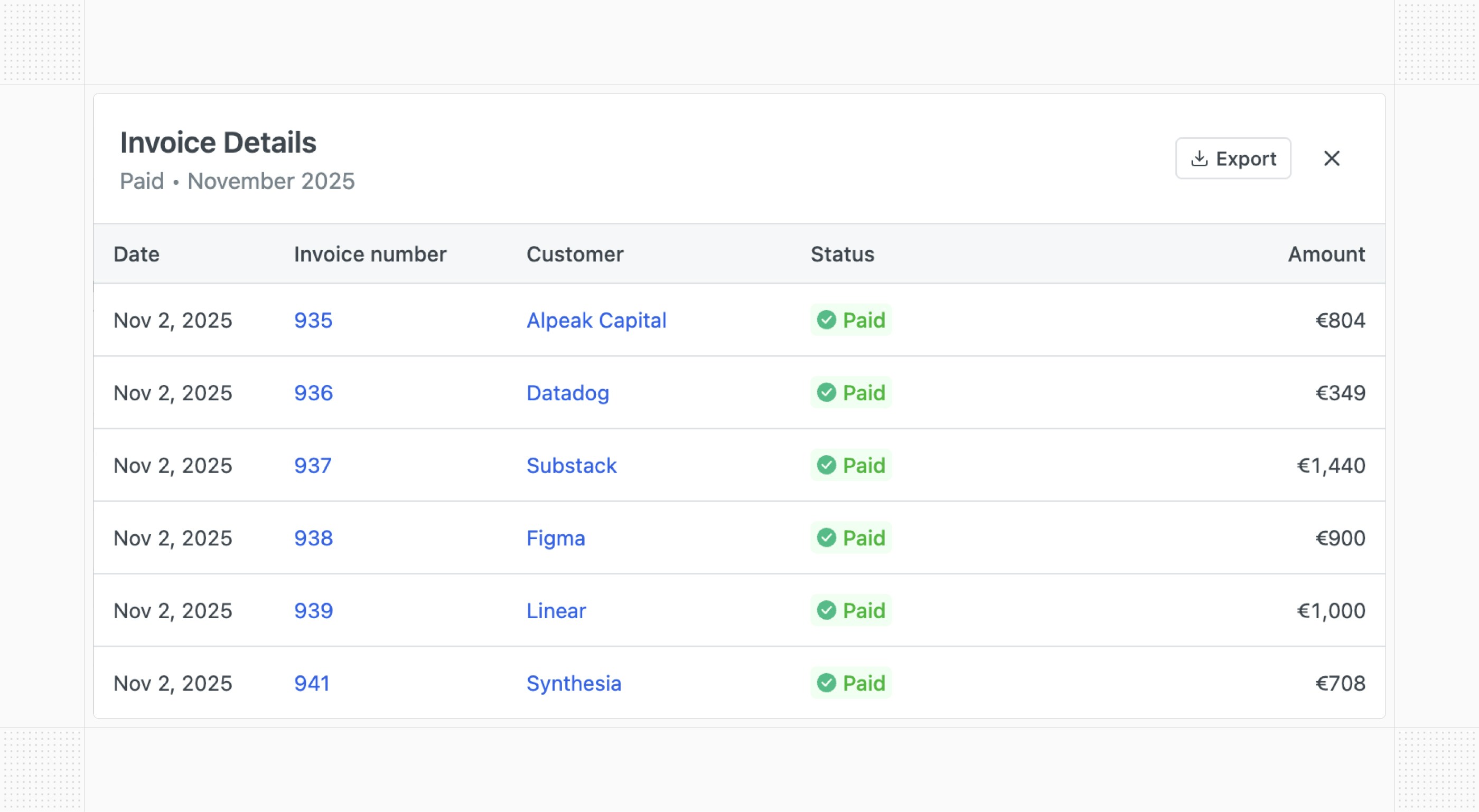
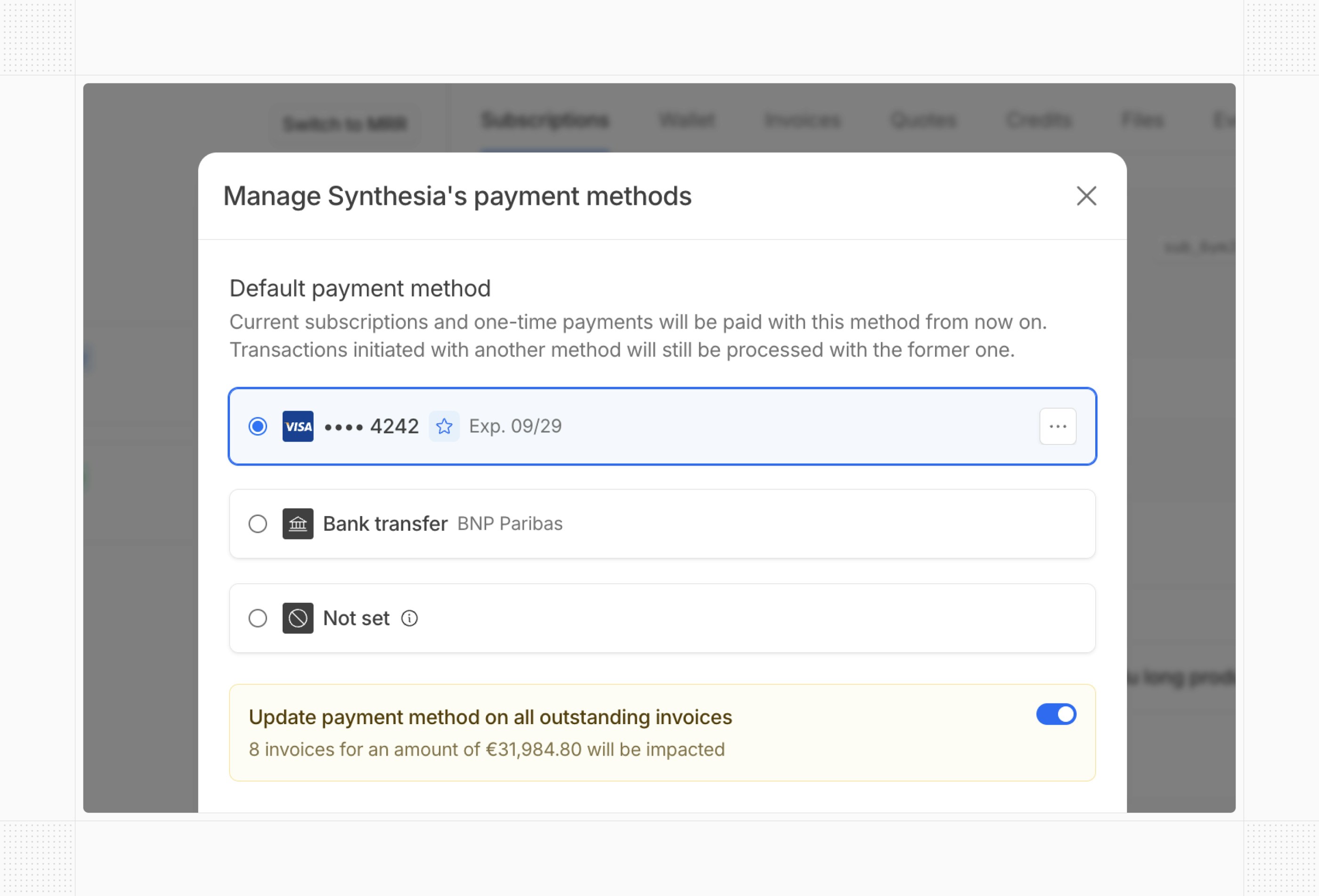
Process outstanding invoices on payment method update
When updating a customer’s default payment method, you can now choose to immediately process any outstanding invoices with the new method. Additionally, you can configure the default behavior at your account level to automatically pay (or not) outstanding invoices when customers update their payment method through their portal.