> ## Documentation Index
> Fetch the complete documentation index at: https://docs.hyperline.co/llms.txt
> Use this file to discover all available pages before exploring further.
# Mollie
> Learn how to collect payments through Mollie on Hyperline
## Prerequisites
You need to have a [Mollie account](https://my.mollie.com/dashboard), finished your Mollie's onboarding flow, and admin rights on Hyperline.
## Set-up
If [Mollie](https://www.mollie.com) is your preferred Payment Service Provider, connecting it with Hyperline is a straightforward process:
1. In the menu, select **Settings**
2. Select **Payment**
3. Click on **Connect payment provider**, then Mollie
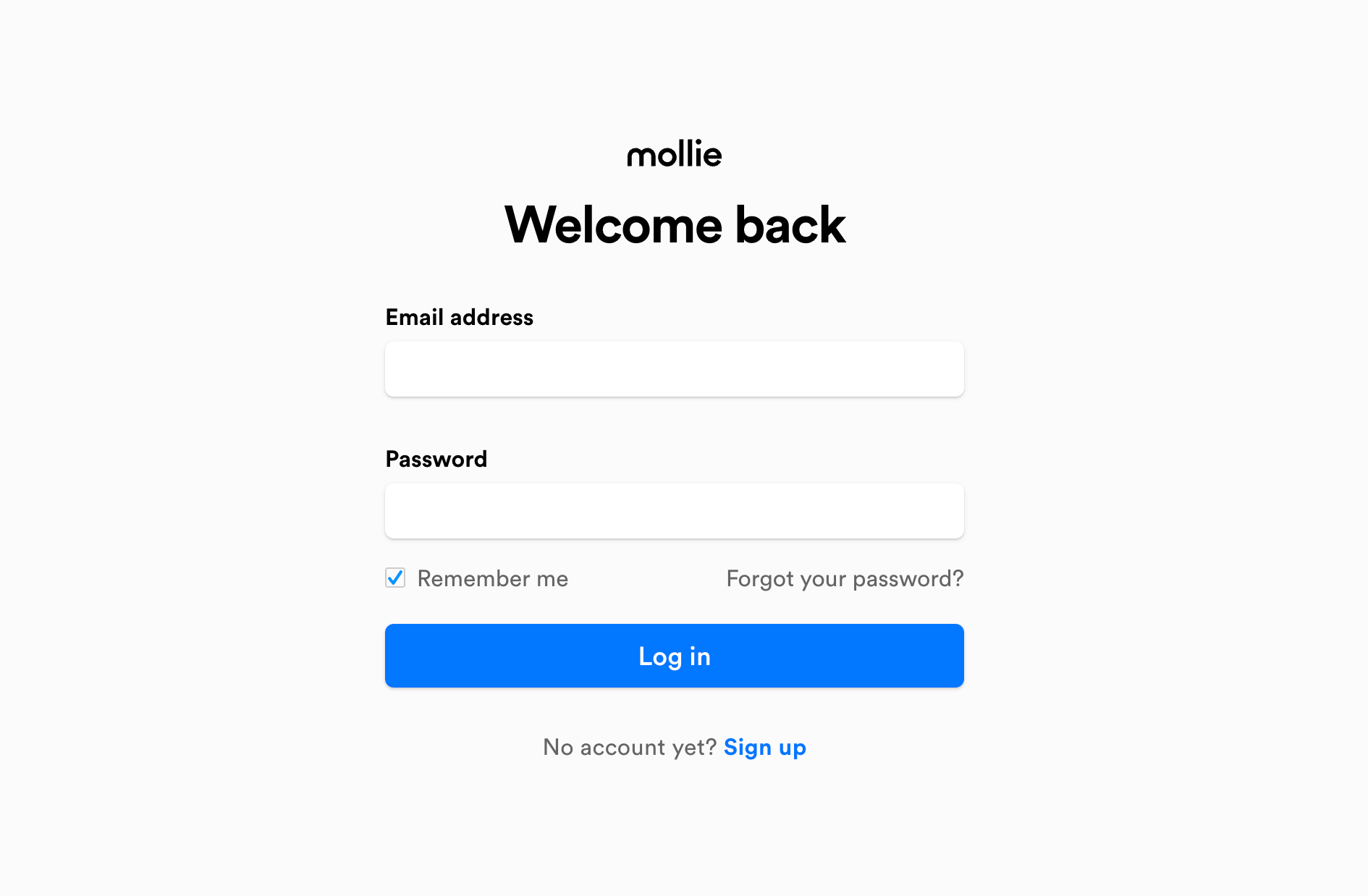
This will redirect you to the Mollie login page where you will have to enter your account credentials and click on **Continue**.
By default, we use the first [Mollie profile](https://my.mollie.com/dashboard/settings/profiles) available on your Mollie account. If you have multiple profiles and want to use a specific one, please contact our support.
 Once the process is completed, you will see Mollie appearing as **Active** in the Payment page.
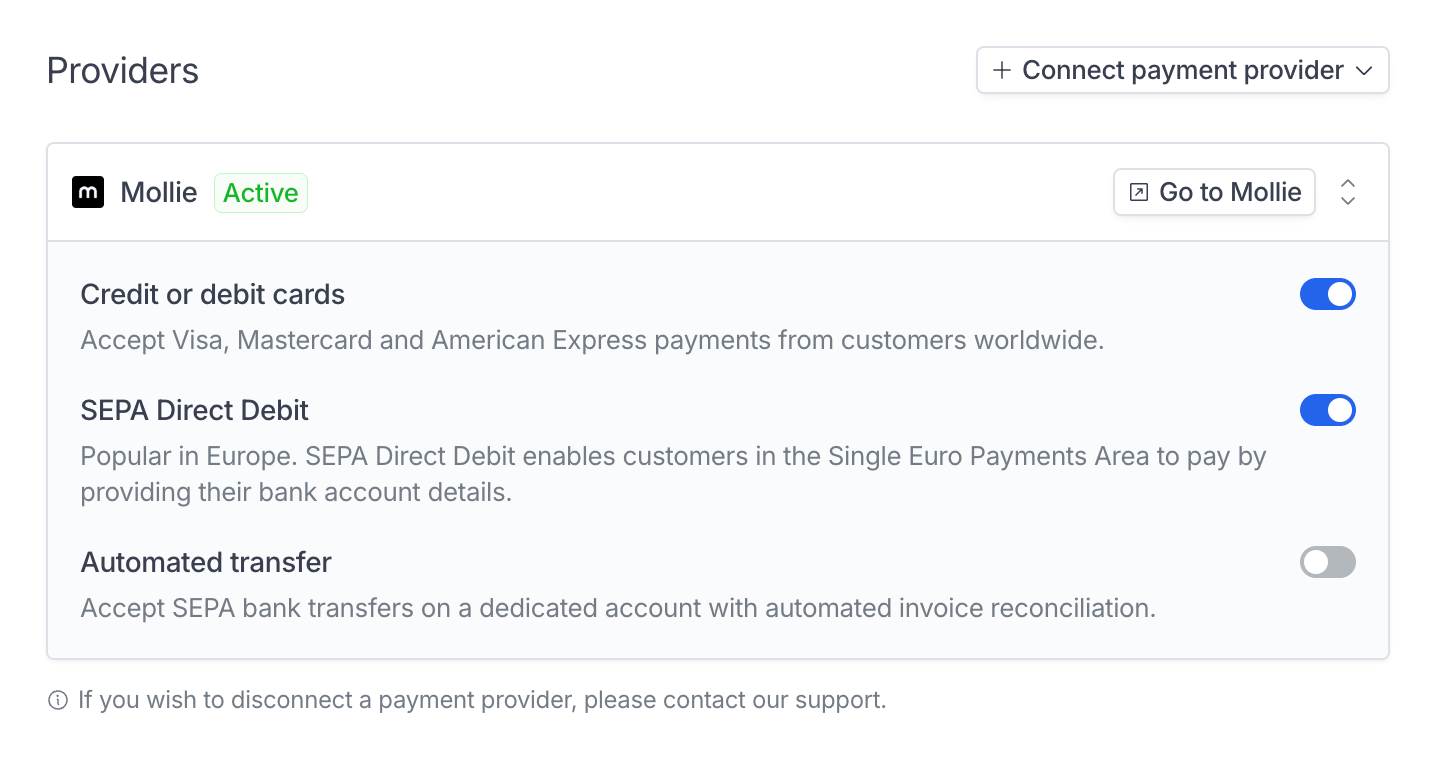 You can connect multiple Mollie accounts to Hyperline so that payments are routed based on your invoicing entities and preferences.
## Payment methods
Mollie through Hyperline support:
* **Card** payments
* **Direct Debit** payments with SEPA (EU)
## Customer information
Each time you bill a customer in Hyperline, the corresponding customer profile and payment details (including payment methods and mandates) are automatically created and managed by Hyperline in your Mollie account.
Additionally, Hyperline integrates payment method collection forms into our hosted pages (checkout, customer portal, invoice page, and quote page), requiring no technical effort on your part.
This seamless integration ensures that customer data and payments remain synchronized between Hyperline and Mollie, streamlining transaction management and customer information handling.
If you already have a Mollie account with existing customers and payment
methods, you have the possibility **to import them in Hyperline**. It is
particularly useful when you configure your account.
Please contact support if you are interested.
You can connect multiple Mollie accounts to Hyperline so that payments are routed based on your invoicing entities and preferences.
## Payment methods
Mollie through Hyperline support:
* **Card** payments
* **Direct Debit** payments with SEPA (EU)
## Customer information
Each time you bill a customer in Hyperline, the corresponding customer profile and payment details (including payment methods and mandates) are automatically created and managed by Hyperline in your Mollie account.
Additionally, Hyperline integrates payment method collection forms into our hosted pages (checkout, customer portal, invoice page, and quote page), requiring no technical effort on your part.
This seamless integration ensures that customer data and payments remain synchronized between Hyperline and Mollie, streamlining transaction management and customer information handling.
If you already have a Mollie account with existing customers and payment
methods, you have the possibility **to import them in Hyperline**. It is
particularly useful when you configure your account.
Please contact support if you are interested.