> ## Documentation Index
> Fetch the complete documentation index at: https://docs.hyperline.co/llms.txt
> Use this file to discover all available pages before exploring further.
# Email settings
> Learn about your account email settings
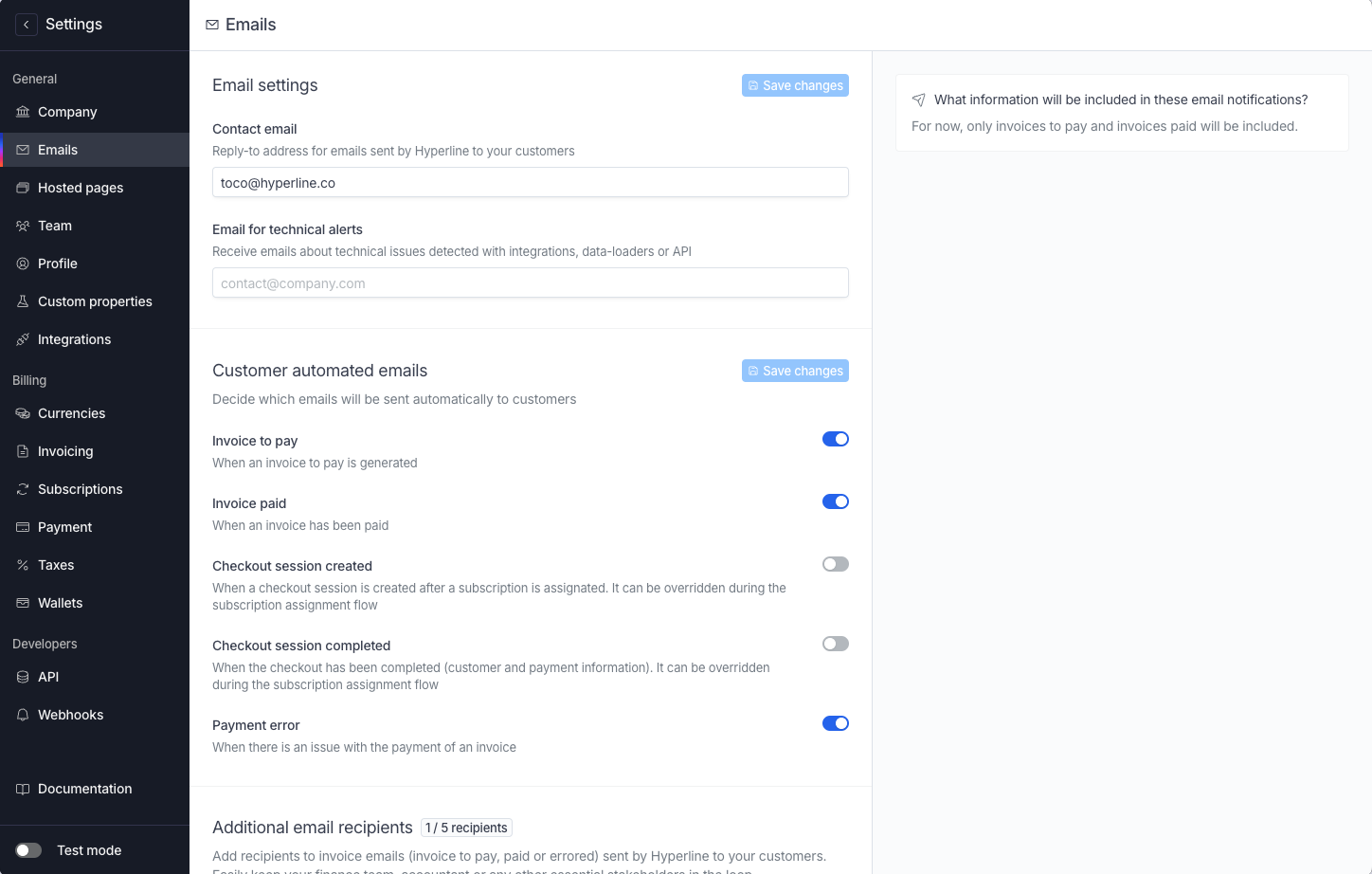
Emails settings of your account can be configured in the Settings > Emails page.
### Additional email recipients
Hyperline provides the ability to add 5 recipients to the emails it sends to your customers.
This feature allows you to keep key stakeholders, such as your finance team or accountant, informed. The email notifications currently include information about pending invoices and paid invoices. This ensures that your team is always up-to-date with your billing status.
 ### Support email
Hyperline uses a designated email address for support-related communication.
This email is used when issues are detected with your integration, data loaders, or API. By providing a specific email for these notifications, you can ensure that important updates regarding your system's status are directed to the appropriate channel.
### Customers automated emails
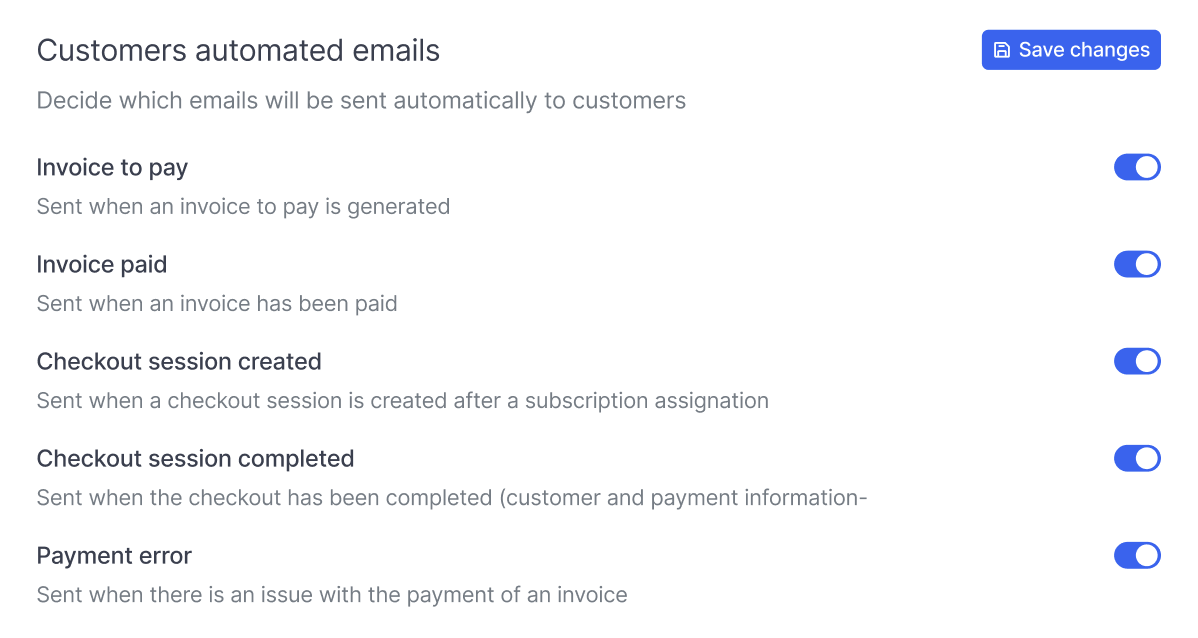
Hyperline allows you to manage the types of emails sent to your customers. There are 5 different types of emails that can be enabled or disabled according to your preferences.
* Invoice to pay
* Invoice paid
* Checkout session created
* Checkout session completed
* Payment error
Click on 'Save changes' to validate.
### Support email
Hyperline uses a designated email address for support-related communication.
This email is used when issues are detected with your integration, data loaders, or API. By providing a specific email for these notifications, you can ensure that important updates regarding your system's status are directed to the appropriate channel.
### Customers automated emails
Hyperline allows you to manage the types of emails sent to your customers. There are 5 different types of emails that can be enabled or disabled according to your preferences.
* Invoice to pay
* Invoice paid
* Checkout session created
* Checkout session completed
* Payment error
Click on 'Save changes' to validate.
 These settings apply to all your customers.
If you wish to apply specific settings at the customer or subscription level, please contact our support.
Visit our [Invoice emails](../invoices/emails) documentation page for more details about invoice emails.
These settings apply to all your customers.
If you wish to apply specific settings at the customer or subscription level, please contact our support.
Visit our [Invoice emails](../invoices/emails) documentation page for more details about invoice emails.