> ## Documentation Index
> Fetch the complete documentation index at: https://docs.hyperline.co/llms.txt
> Use this file to discover all available pages before exploring further.
# Product updates February, 2024
> Hyperline February 2024 release: create and duplicate invoices, invoice events, HubSpot, subscriptions page, reports and exports, and email resends.
## Create, edit and duplicate invoices
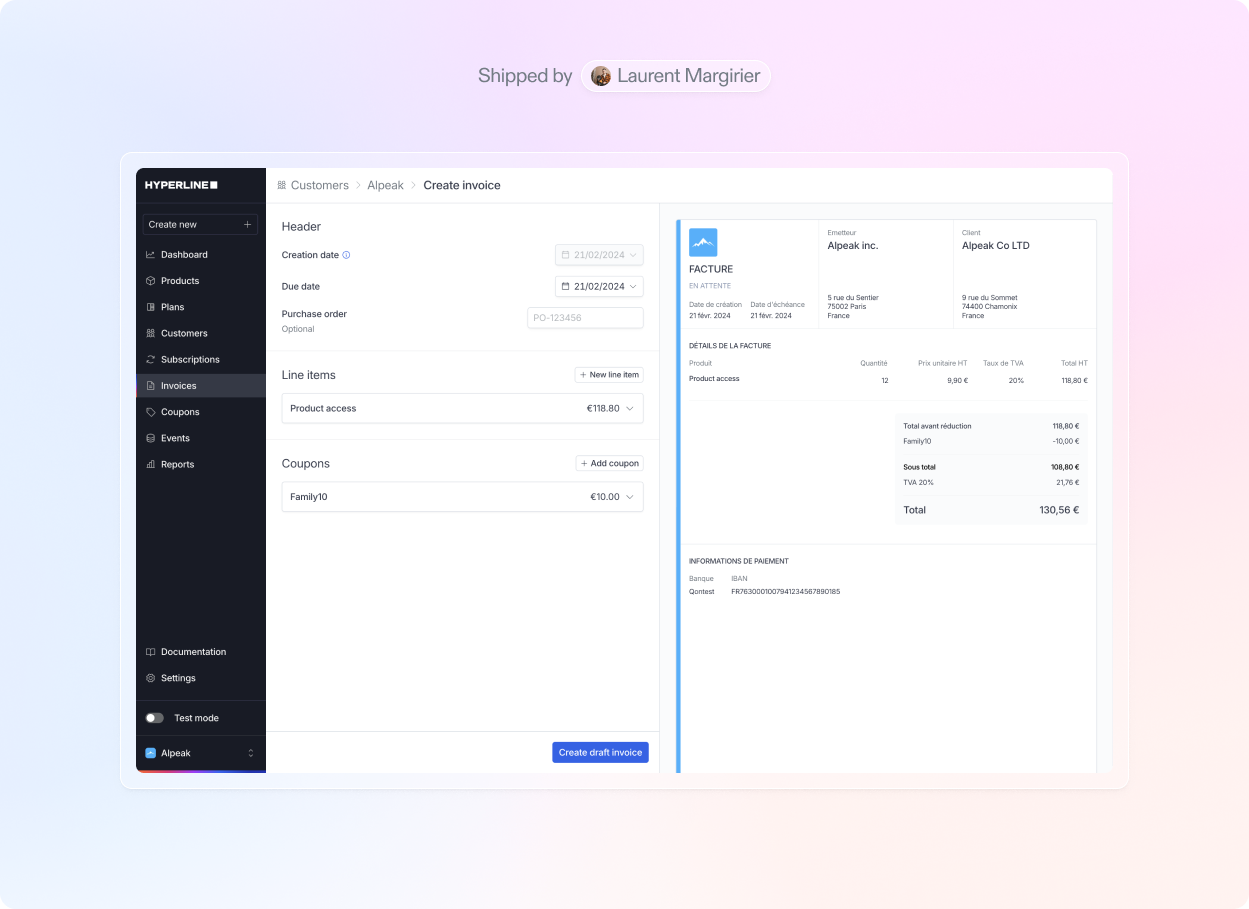
We've introduced several enhancements to our invoices. You can now [create new invoices from scratch](../docs/invoices/manage) or [edit existing draft invoices](../docs/invoices/manage) with a real-time visual rendering. This provides you with complete flexibility and control over your invoice content before finalizing and sending it for payment.
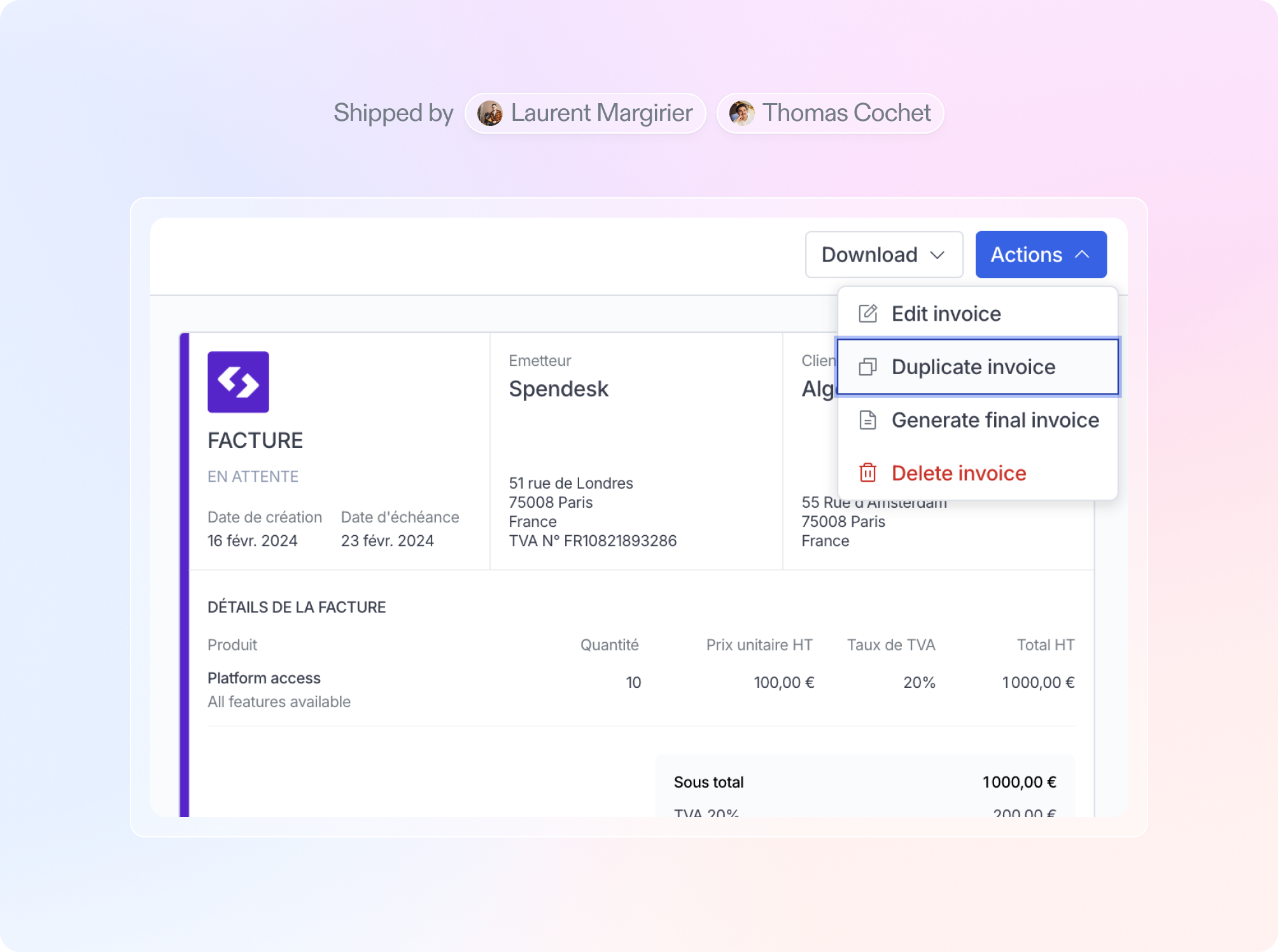
 Additionally, you now have the option to **duplicate existing invoices**, copying all major details for a seamless creation process.
 ## Explore invoice events
You now have the capability to **explore events related to an invoice featuring usage products**. This empowers you to gain a comprehensive understanding of the invoice's composition, providing clear visibility into the contribution of each event to the total invoice amount.
## Explore invoice events
You now have the capability to **explore events related to an invoice featuring usage products**. This empowers you to gain a comprehensive understanding of the invoice's composition, providing clear visibility into the contribution of each event to the total invoice amount.
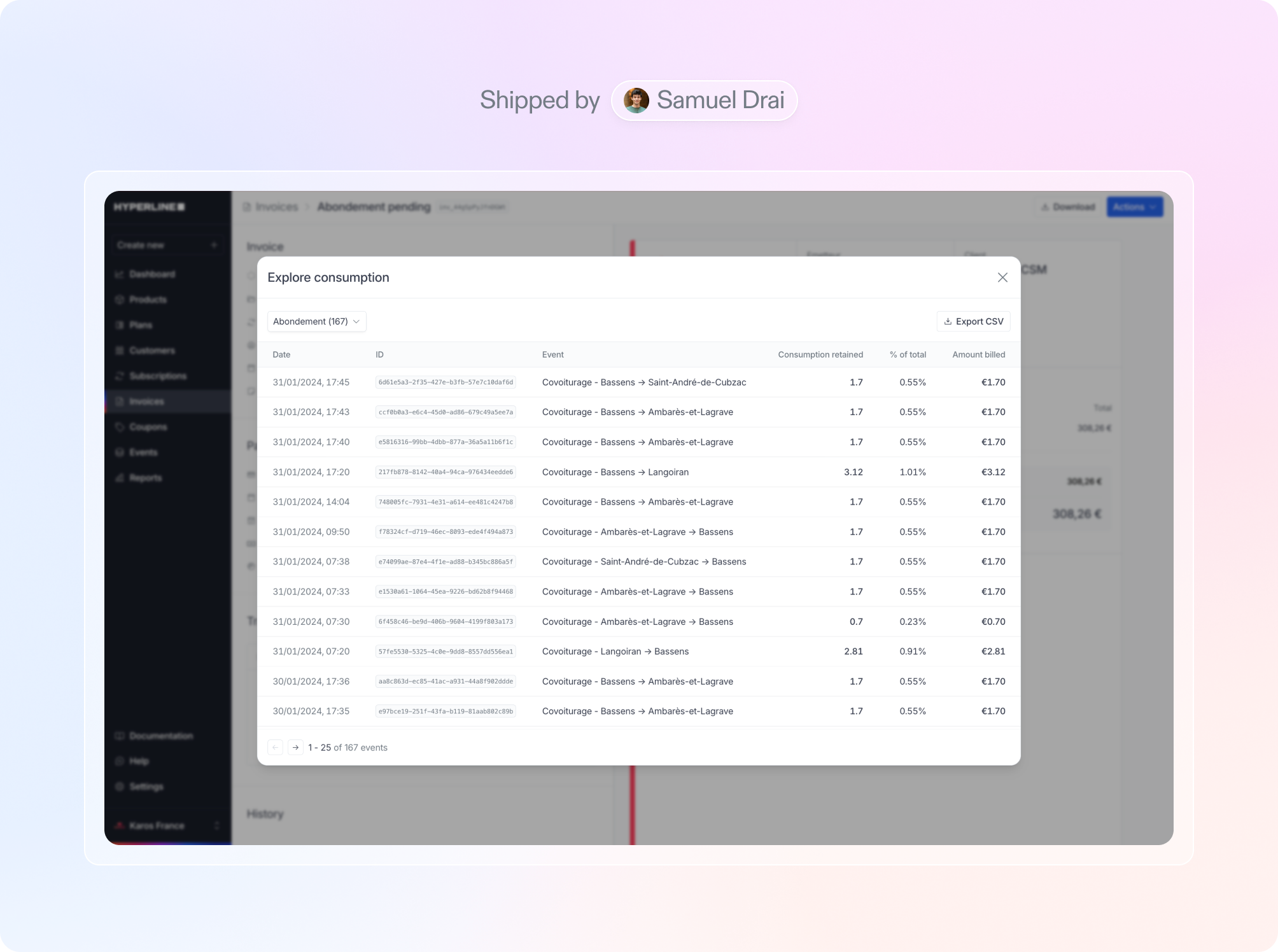 This explore feature is **available on the customer portal** for both past invoices and the upcoming invoice (i.e. the one open for the current billing period).
Furthermore, we provide the option to **download a CSV file** containing all the data for further processing in your preferred external tool.
## HubSpot
This explore feature is **available on the customer portal** for both past invoices and the upcoming invoice (i.e. the one open for the current billing period).
Furthermore, we provide the option to **download a CSV file** containing all the data for further processing in your preferred external tool.
## HubSpot
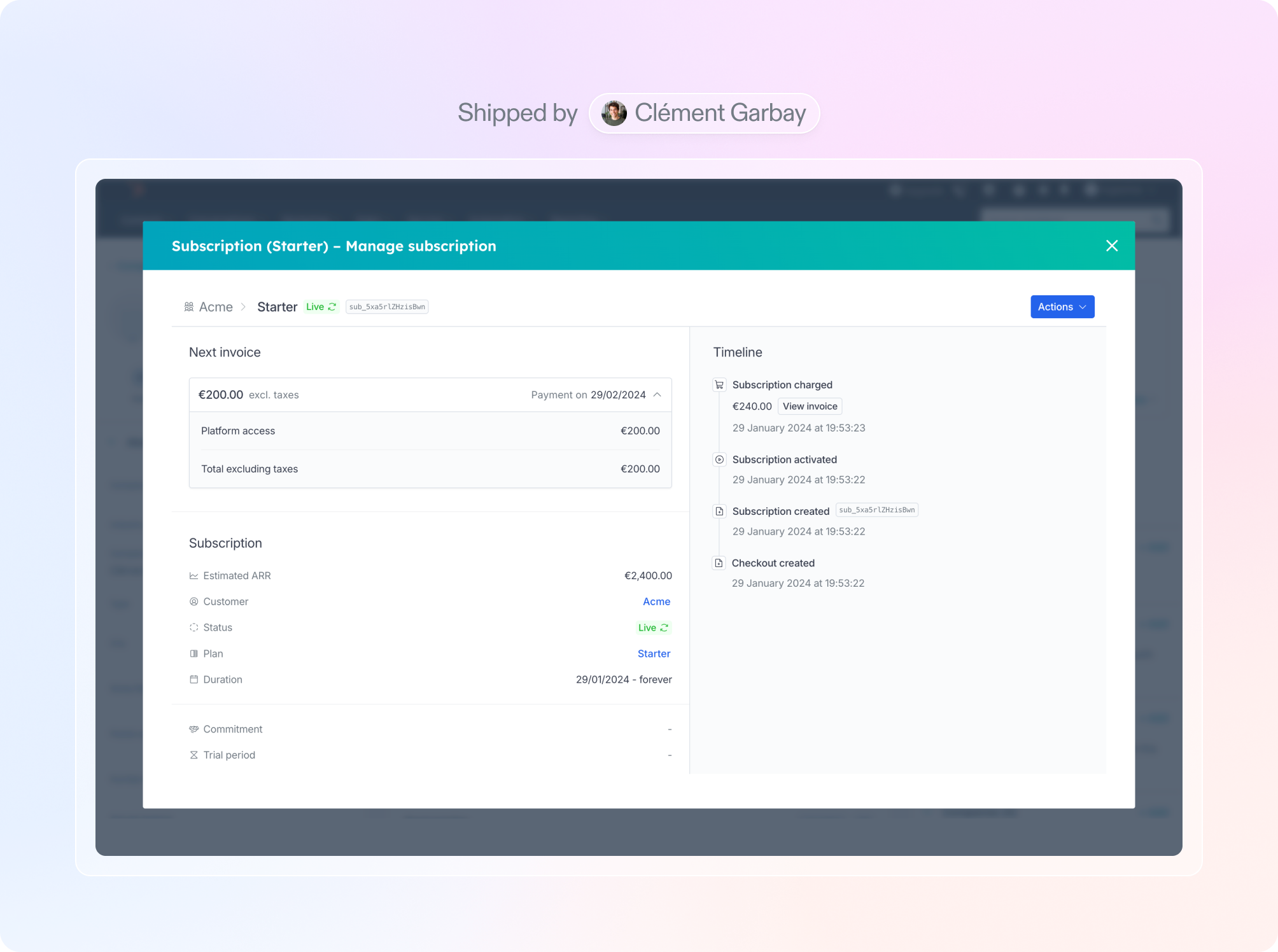
 Hyperline is now **integrated with HubSpot**! Similar to the Salesforce integration, this feature enables a **bi-directional synchronization** between Hyperline customers and HubSpot companies. Furthermore, we introduce a **HubSpot card** that allows you to assign, manage, and access Hyperline subscriptions directly within your CRM, without the need to navigate away.
 A comparable widget capability is now accessible for [Salesforce](../integrations/salesforce) as well.
*[More details in the documentation](../integrations/hubspot)*
## Subscriptions page
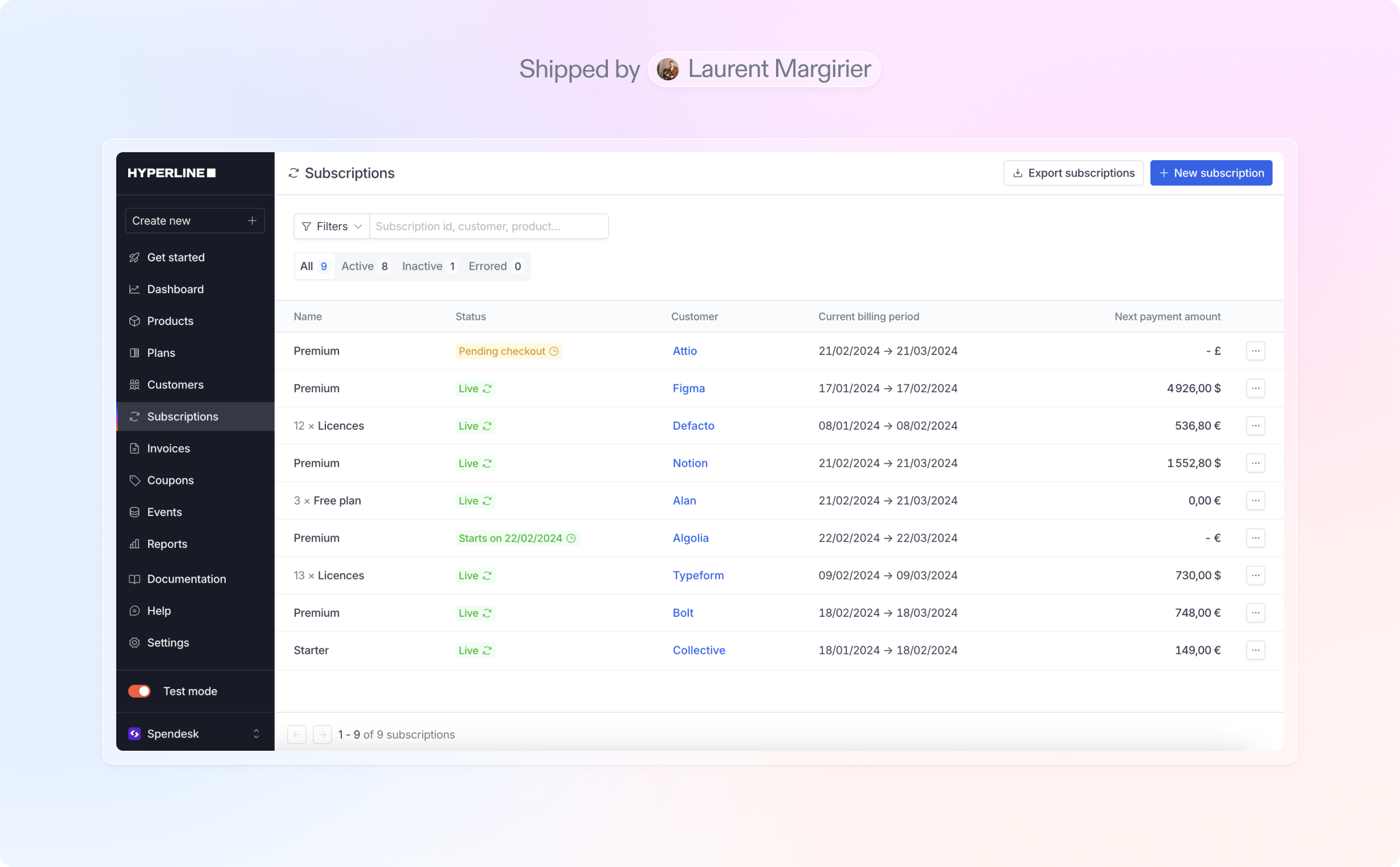
We have introduced a brand new subscriptions page, which displays a **list of all the subscriptions** of your account. This provides you with clear visibility of your subscriptions in one central place, featuring filtering options and the ability to **export the complete data as a CSV file**.
A comparable widget capability is now accessible for [Salesforce](../integrations/salesforce) as well.
*[More details in the documentation](../integrations/hubspot)*
## Subscriptions page
We have introduced a brand new subscriptions page, which displays a **list of all the subscriptions** of your account. This provides you with clear visibility of your subscriptions in one central place, featuring filtering options and the ability to **export the complete data as a CSV file**.
 ## Reports and exports
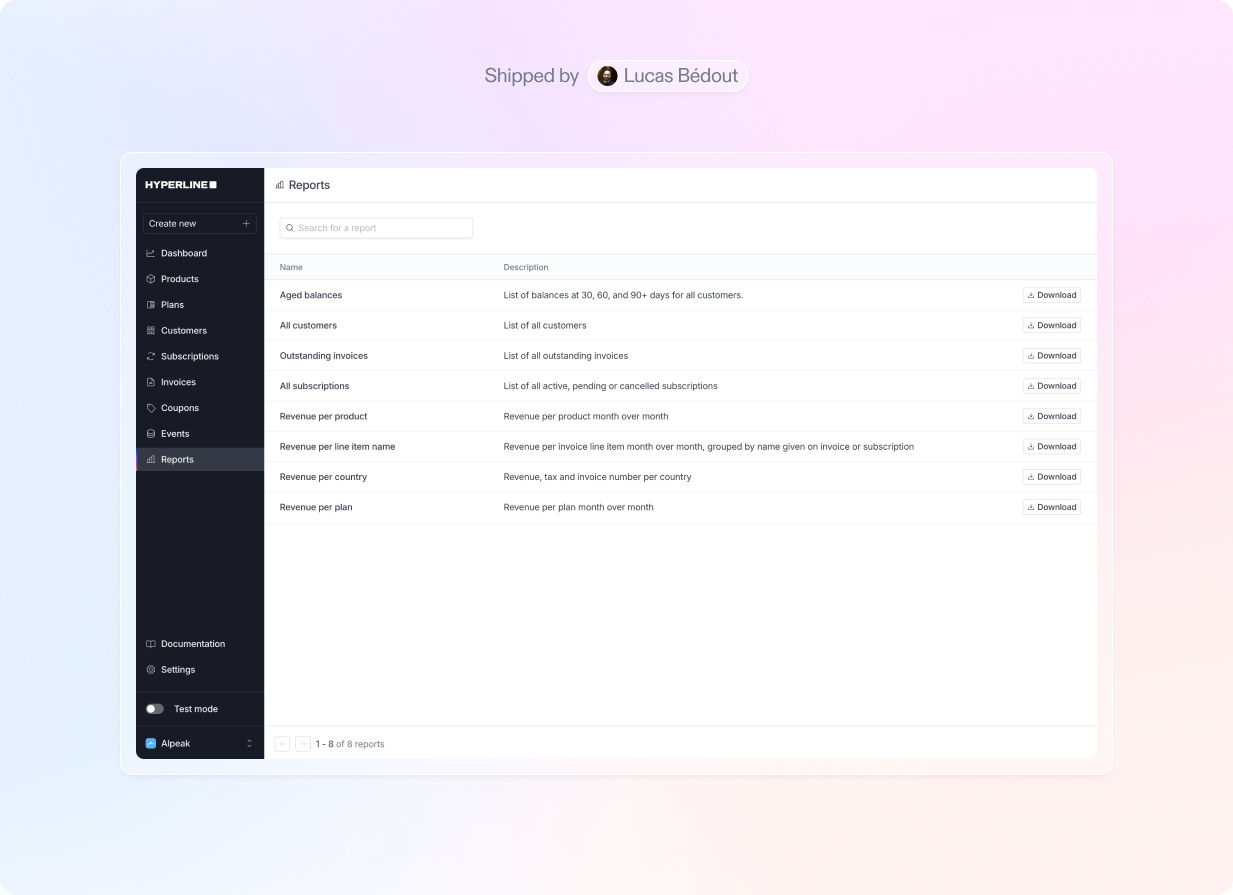
To assist you in conducting more **in-depth financial analyses**, we have implemented a comprehensive report feature. This functionality enables you to **download pre-built files**, such as revenue per product/country/plan, aged balance, outstanding invoices, and more.
## Reports and exports
To assist you in conducting more **in-depth financial analyses**, we have implemented a comprehensive report feature. This functionality enables you to **download pre-built files**, such as revenue per product/country/plan, aged balance, outstanding invoices, and more.
 While we have plans to introduce additional reports in the future, we welcome your suggestions for new ones. Feel free to share your ideas.
Additionally, you now have the capability to **export your customer list into a CSV file** for external processing. Simply utilize the 'Export customers' button available on the [Customers page](https://app.hyperline.co/app/customers).
## Resend invoice emails
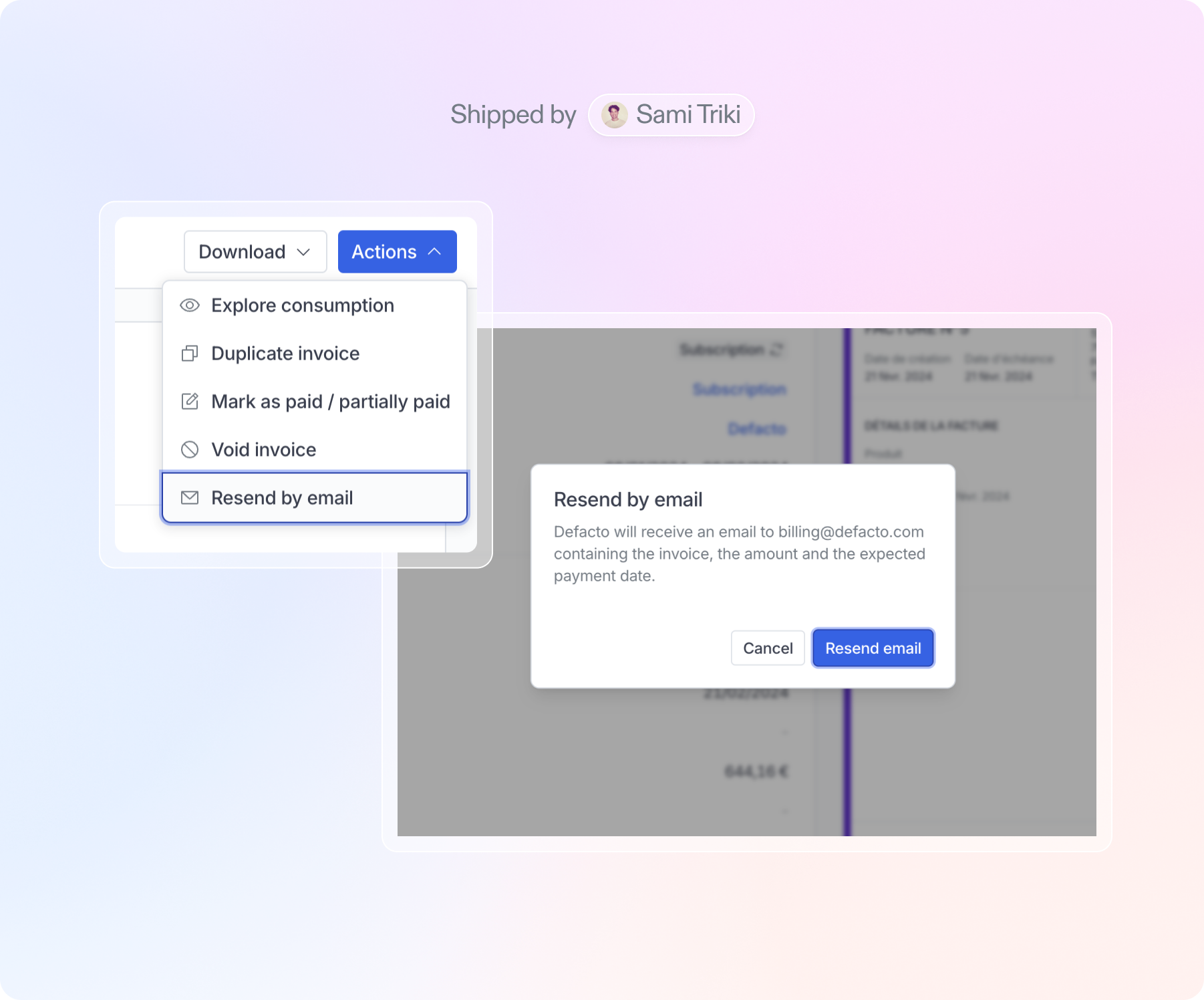
We now provide a feature that enables you to **resend past invoice emails** to your customers, whether it be for invoices that are yet to be paid (serving as a reminder) or for those that have already been paid.
While we have plans to introduce additional reports in the future, we welcome your suggestions for new ones. Feel free to share your ideas.
Additionally, you now have the capability to **export your customer list into a CSV file** for external processing. Simply utilize the 'Export customers' button available on the [Customers page](https://app.hyperline.co/app/customers).
## Resend invoice emails
We now provide a feature that enables you to **resend past invoice emails** to your customers, whether it be for invoices that are yet to be paid (serving as a reminder) or for those that have already been paid.
 ## Add/remove products from subscriptions
You now have the flexibility to add or remove products at any time from ongoing subscriptions. We offer various options for charging the customer on a pro-rata basis, with the full price, and more.
## Add/remove products from subscriptions
You now have the flexibility to add or remove products at any time from ongoing subscriptions. We offer various options for charging the customer on a pro-rata basis, with the full price, and more.
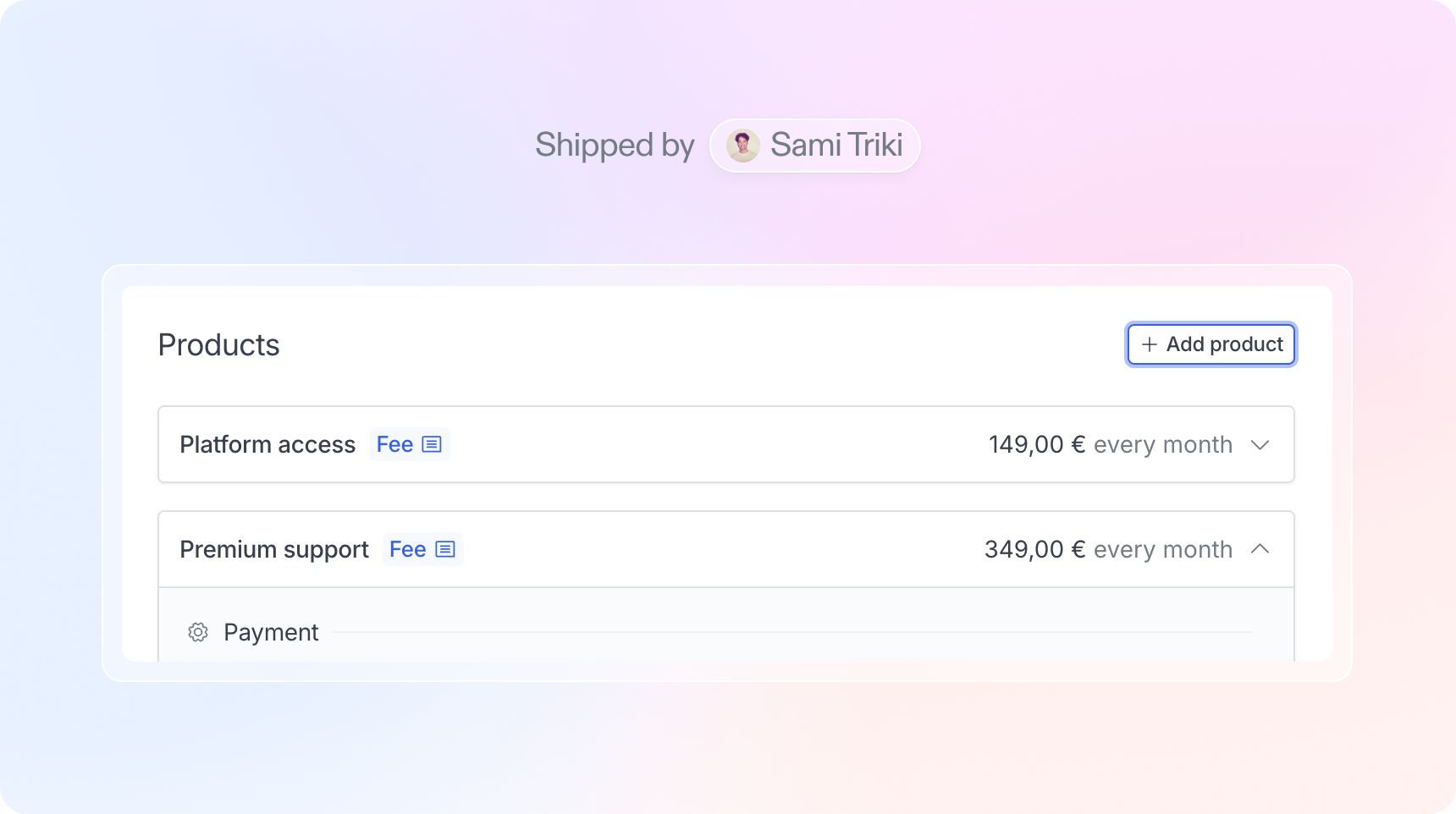 Simply go to your subscription details page, and click on the 'Add product' button in the Products section; or click on an existing subscription product and 'Remove product'.